

T-Mobile US offers a service called PAYG that lets you keep a phone number for 3 dollars per month. Services such as Google Hangouts require a US number, so this service is extremely useful. However, this plan includes no data at all. To use mobile data, you need to purchase an add-on called a Data Pass.
As of 2018/6/22, there are the following 2 types of Data Pass1.
- 1GB, valid for 7 days, US$10
- 500MB, valid for 1 day, US$5
The 1GB plan provides high-speed data up to 1GB, after which unlimited low-speed data remains available. It is an extremely convenient option that even permits tethering, yet astonishingly it cannot be purchased on the Web. Previously, the barrier was very high because you had to call the call center and speak directly with a person, but recently it has become possible through an automated voice response system.
The procedure is as follows.
- From a T-Mobile phone, call 611.
- When asked what you want to do, answer, “Add a data pass.”
- You will be asked for your PIN, but if you do not know it, you can get past this by answering, “I don’t know it.”
- You will be offered 3 options: (1) unlimited calls and TEXT, (2) 1-day pass, and (3) 7-day Data Pass. Press 3 on the keypad.
- When asked to confirm, answer, “Yes.”
- You will then hear the sound of keys being tapped in the background, and the procedure will be complete.
That is roughly how it works.
The Data Pass should become active within a few minutes.
But I imagine that eventually Google Assistant will handle things like this behind the scenes using Google Duplex. That would make it easier for foreigners to use….
Footnotes
Related posts
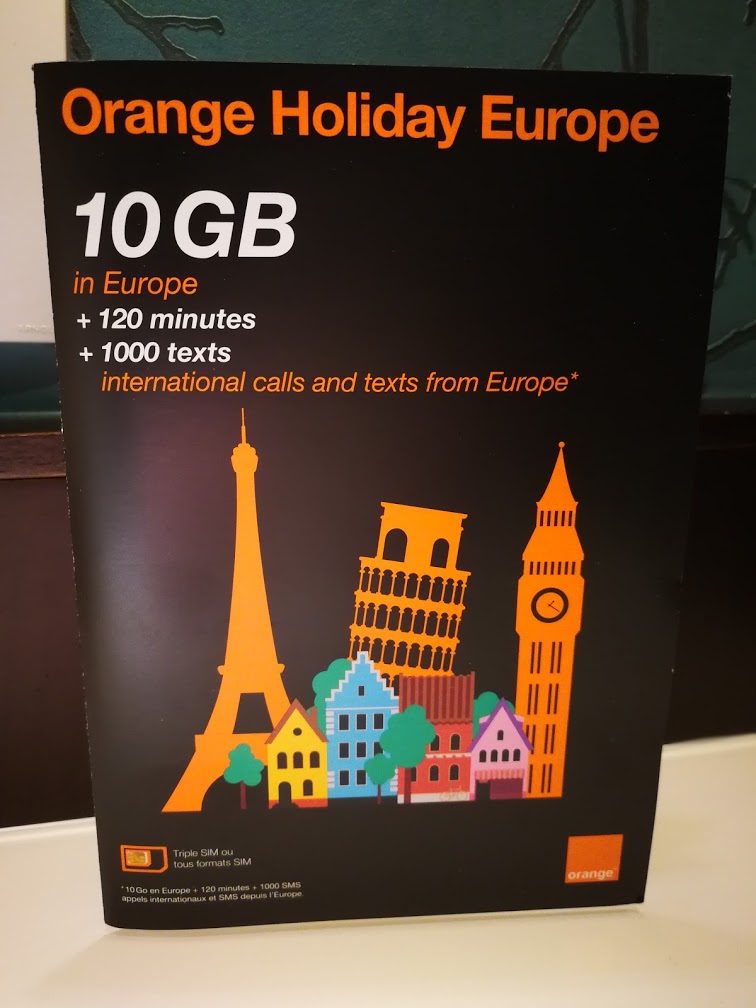
Getting a SIM at CDG Terminal 2E!
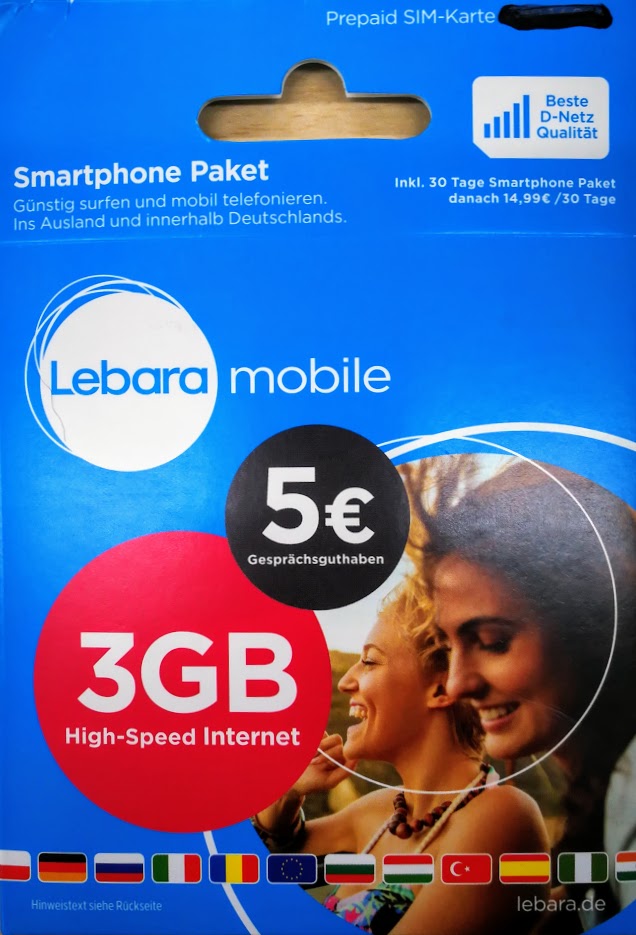
Getting a SIM at Berlin Tegel Airport
This time, starting on October 16, I traveled to Dresden, Germany’s historic city. Flights to Dresden were full and unavailable, so I had to travel overland…
How to Get Online with iPad 2 + iOS 7 + b-mobile
I updated my iPad 2 to iOS 7. Afterward, I could no longer connect using a b-mobile data-only SIM[1]. Looking closely, I found that the APN…