

I updated my iPad 2 to iOS 7.
Afterward, I could no longer connect using a b-mobile data-only SIM[1].
Looking closely, I found that the APN could no longer be saved.
No matter how many times I tried, resetting the network or even resetting everything did not help.
After some more searching, I discovered that b-mobile had issued a warning not to upgrade the iPad 2 or iPhone 4 to iOS 7[2]. Apparently the APN becomes impossible to save. As a workaround, inserting a SIM that supports voice calls or SMS once is said to fix the problem.
All right, then I will insert the SIM from my iPhone 5… except that it is a Nano SIM. The iPad 2 uses a micro-SIM, so I would need an adapter, which unfortunately I did not have. I therefore decided to try the T-Mobile SIM for the iPhone 4 that I use when visiting the United States.
After inserting it, the device picked up SoftBank’s signal. When I checked the APN, the values that had failed to appear when I entered them earlier were now present.
I then removed the T-Mobile SIM [3] and reinserted the b-mobile SIM. I expected the APN to become blank again, but it remained intact.
So it appears that inserting an SMS-capable SIM once and acquiring a signal is enough.
Of course, this is only one case, but I hope it is helpful.
[1] Japan Communications b-mobile 4G High-Speed Flat-Rate 2GB Pair Gigabyte SIM Package
[2] Regarding the iPhone 4 and iPad 2 Update to iOS 7 (7.0.0) (as of September 20, 2013)
[3] I have used T-Mobile US Pay by the Day for many years.
Related posts

How to Buy a Data Pass for T-Mobile US’s PAYG Prepaid SIM Plan
T-Mobile US offers a service called PAYG that lets you keep a phone number for 3 dollars per month. Services such as Google Hangouts require a…
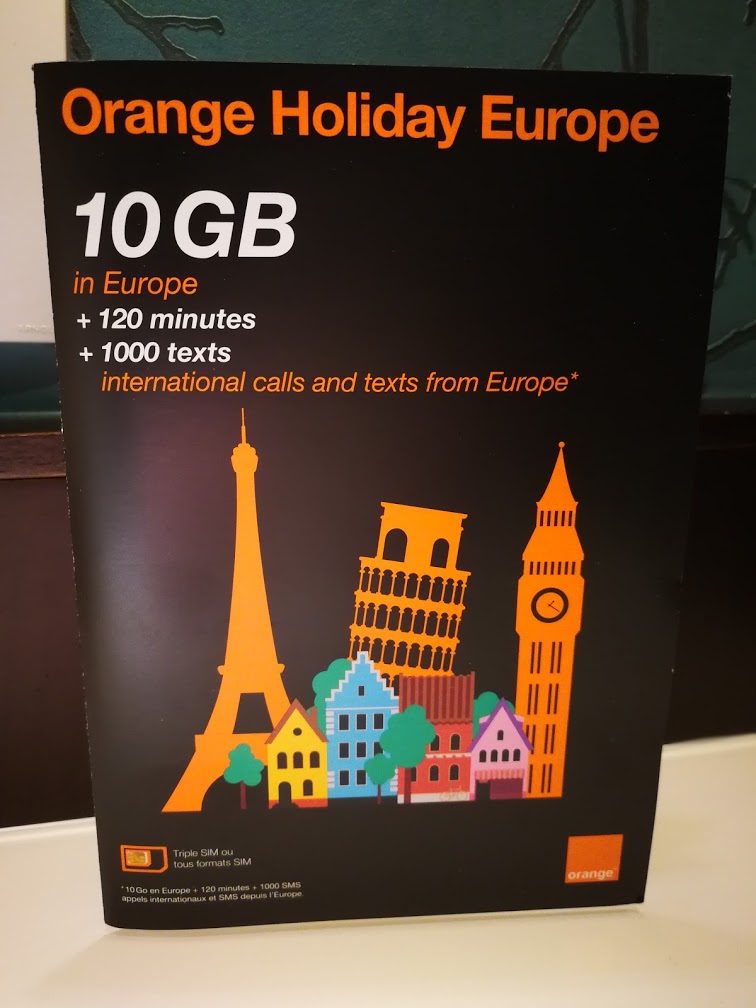
Getting a SIM at CDG Terminal 2E!
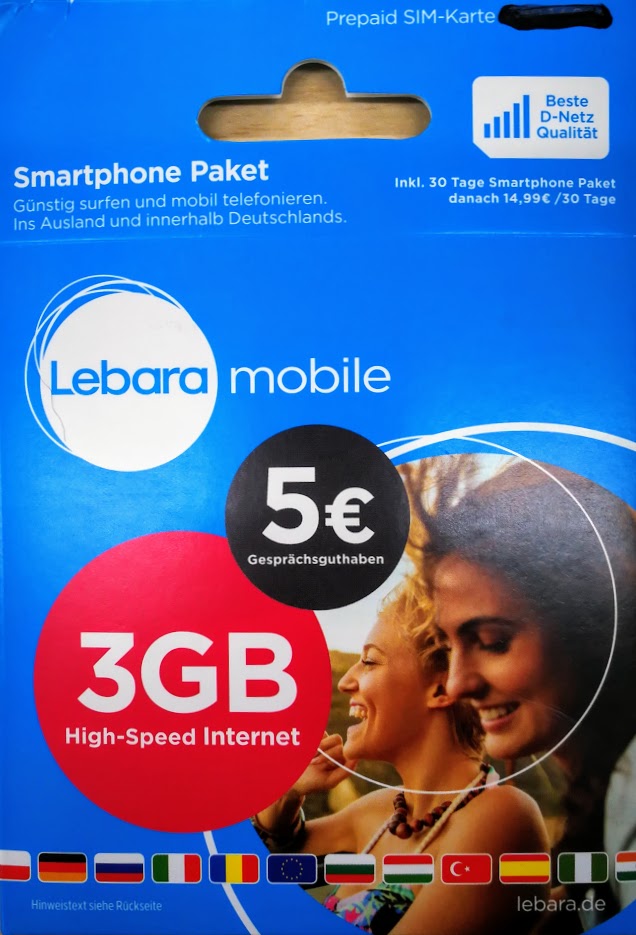
Getting a SIM at Berlin Tegel Airport
This time, starting on October 16, I traveled to Dresden, Germany’s historic city. Flights to Dresden were full and unavailable, so I had to travel overland…