
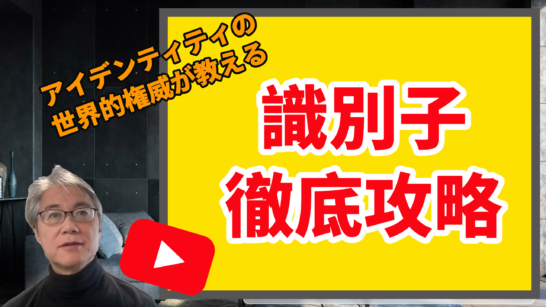
I published a new video on the new YouTube channel “Digital ID and Privacy.”
It is “Identifier Classification and Risks: A Complete Guide to Identifiers ①—Become an Identifier Pro!” It seems to have been very well received by those who watched it.
識別子一つでここまで分類でき体系的にまとめられるとは思わなかったので、お世辞と贔屓目抜きにとても良かったです。アカデミック重要 https://t.co/w0eVt3EqeM
20分後に始まります » (26) 識別子徹底攻略①〜これであなたも識別子のプロ! – YouTube youtube.com/watch?v=Ak3nSq…
めちゃめちゃ学びある内容なのは勿論のことですが、nat-sanにリアルタイムで質問できる時間が貴重すぎました。。
あと、無性にレミゼが読みたくなる https://t.co/xKlwO6eqr4
20分後に始まります » (26) 識別子徹底攻略①〜これであなたも識別子のプロ! – YouTube youtube.com/watch?v=Ak3nSq…
レ・ミゼラブルで断片情報からの(誤った)名寄せが語られていたとは驚いた。そういうストーリーだったのか https://t.co/w0eVt3VtgM
20分後に始まります » (26) 識別子徹底攻略①〜これであなたも識別子のプロ! – YouTube youtube.com/watch?v=Ak3nSq…
Please enjoy it below ↓

〈Production Environment Notes〉
This time, I created all the text slides in mmhmm Studio. Only the materials requiring illustrations were created in Google Slides, exported to PowerPoint, and then imported into mmhmm Studio. I exported them to PowerPoint rather than JPEG because JPEG does not allow flexible resizing after being imported into mmhmm Studio.
The camera was the MacBook Pro’s camera. The microphone was an Audio Technica AT2040, and the audio interface was a Yamaha AG03 mk2. I did not apply a compressor or EQ. Because the microphone’s output was low, I had no choice but to set the gain to max. That also adds noise, so I ran it through Krisp before feeding it into mmhmm Studio.
I exported the video produced this way as MP4, imported it into Vrew (software that lets you edit video as if editing text), and created subtitles. It also detects silent sections, so I rapidly cut them out, although I may have cut a little too much and there are a few places where the sound disappears. But I thought it was fine as long as the meaning came through. The subtitles were created by AI, so there are quite a few mistranscriptions due to my poor articulation. Still, people with pure hearts should understand the meaning correctly!
I exported the edited result from Vrew to Adobe Premiere Pro and created the final MP4 in Premiere Pro. I could also have created the subtitles in Premiere Pro, but I think deleting silent sections is easier in Vrew.
I uploaded it through YouTube Studio and set the premiere time. At this point, you set the countdown duration and the video to play during it. I scheduled it for 22 o’clock and thought people might start arriving about 5 minutes beforehand, so I set the duration to 5 minutes. But, astonishingly, the countdown starts at the scheduled time of 22 o’clock. Isn’t that not a countdown? It is a trap.
A feature of a premiere1 is that while it is playing, viewers can post comments in chat, which can later be played back. Once the video premiere ends, no further chat messages can be added.
This chat playback did not appear with my default settings. Looking into it, I found information saying it would not appear unless “Allow all comments” was enabled in the video’s detailed settings, so I turned that on, and it began appearing.
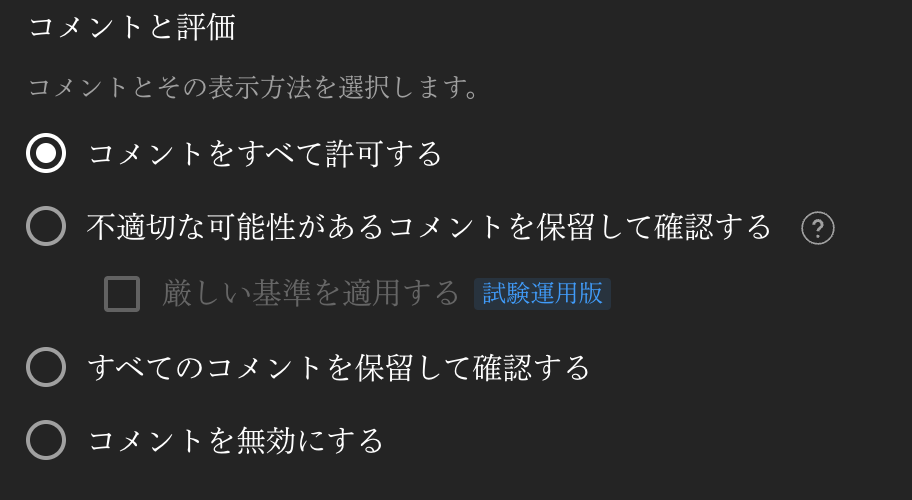
〈How to View Chat Replay〉
However, even after doing this, the chat replay does not immediately expand on the screen. It appears collapsed, as shown in the following screenshot.
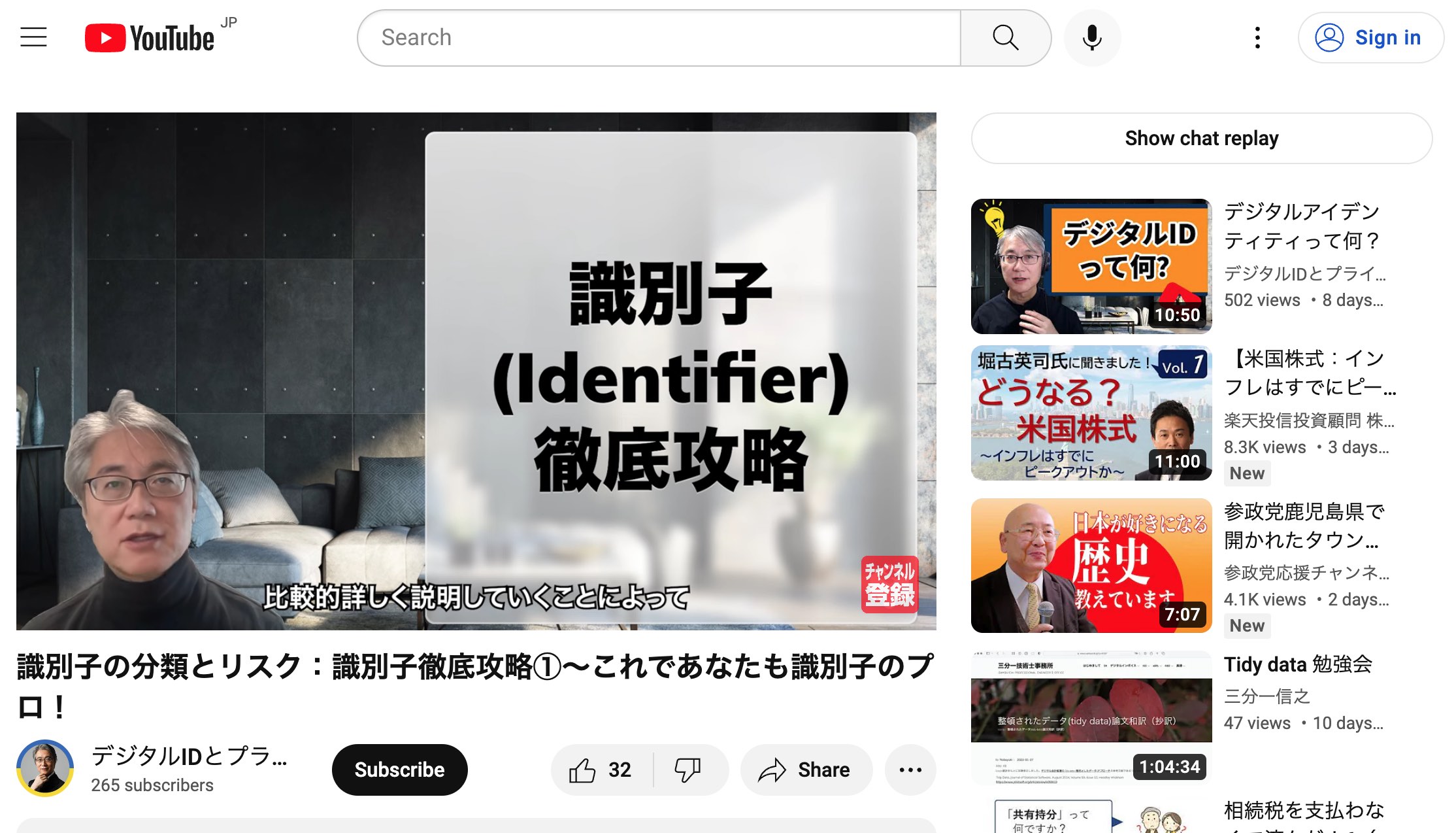
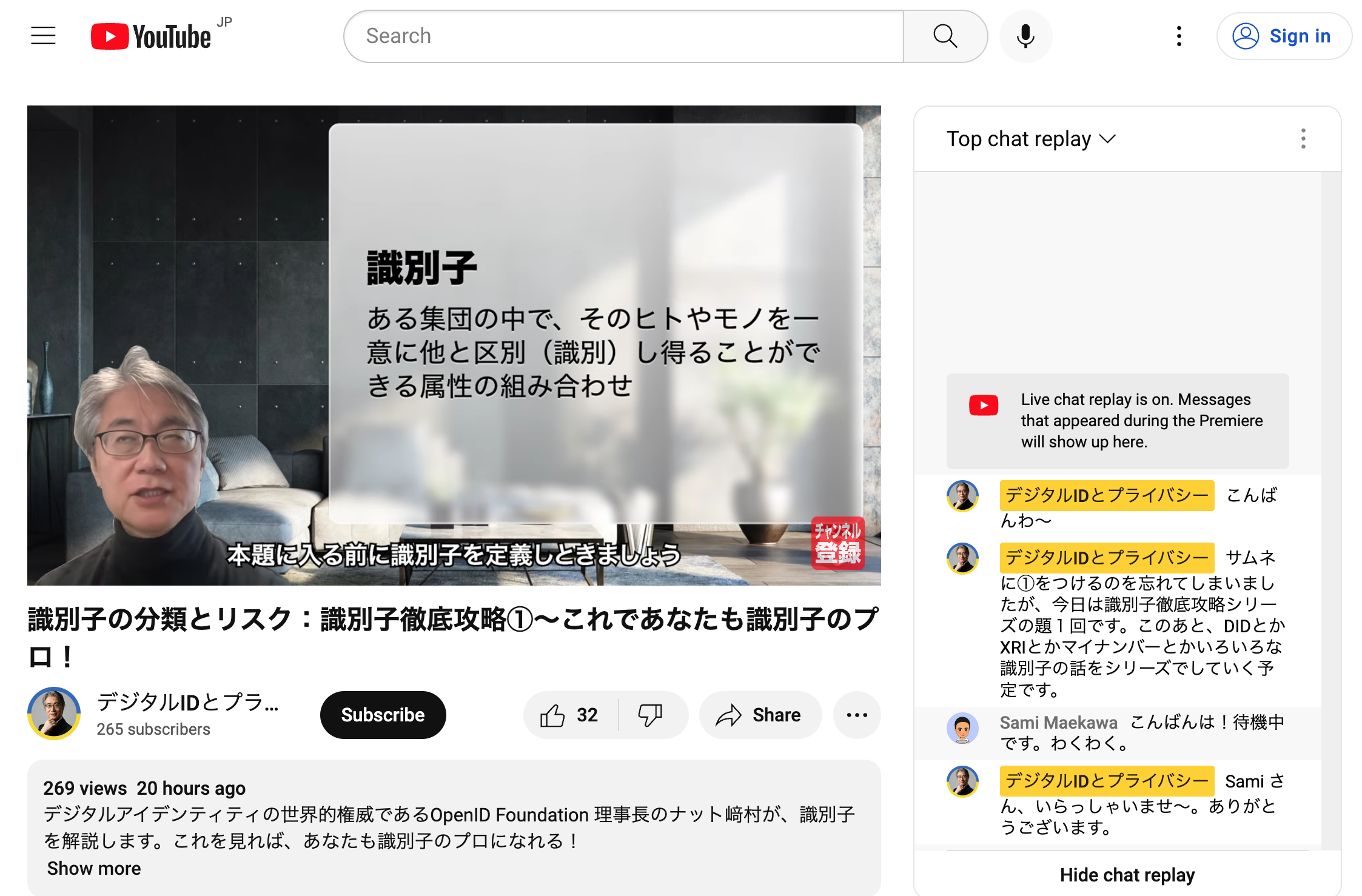
To make it visible, you must click “Show chat replay.” Then it will begin playing like this.
〈Chat Replay Disappears If You Edit the Video〉
There is one more important point about displaying chat replay.
If you edit the video, such as by trimming excess time from the beginning or end, chat replay will no longer be available.
Footnotes
Related posts
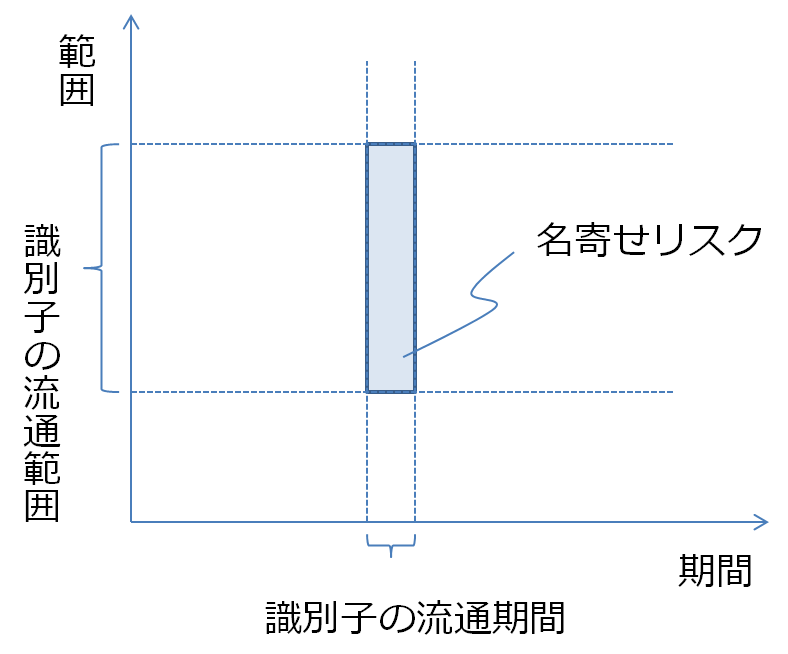
My Number and Privacy: Identifiers and Excess Risk
In the previous article, “My Number and Privacy: Requirements for Identifiers,” I wrote as follows. Next, as a hypothetical example, consider a common number for taxation…
Considering the Risks of Twitter’s 230 million-Person Data Leak
In 2023, during the early hours of January 6, Bloomberg’s report “Twitter May Have Leaked Information on More Than 230 million People” came across my feed,…

What Digital Identity Requires
Recently, all kinds of articles about Digital Identity have been circulating. In this blog, I plan to jot down whatever comes to mind, ranging from meta-level…
You must be logged in to post a comment.