

I finally began editing the video from Mexico that I had kept postponing. I could have used iMovie, but this time I tackled it with Final Cut Express, which I had bought and then never used.
Final Cut Express has a far more difficult user interface than iMovie. At first I understood nothing and felt completely lost, but after consulting Google, watching introductory videos on YouTube seemed the best approach.
This is the one I watched.

Thanks to it, I finally learned to do basic things such as adding titles and transitions. Unfortunately, editing the soundtrack from within it using Ozone 5 does not seem practical.
Further investigation showed that, unlike iMovie, Final Cut lets you enlarge or zoom, crop, and move parts of a video in various ways.
 I therefore cut the original video to match the music. To make a cut, it is easiest to stop the video at the desired point and click with the razor tool. For each cut, I set the canvas display to Image + Wireframe, grabbed the edge of the wireframe to enlarge the whole image, and edited it so that only the area I wanted appeared on screen.
I think this made it much more enjoyable to watch than a slow, meandering video.
Here is the result.
Yagi-bushi

To produce the final YouTube HD video, I used the Elgato turbo.264 HD ELG-US-000003. I recommend it because it makes encoding overwhelmingly faster. Considering the value of your own labor, it pays for itself very quickly.
I only wish this could also be used to render each cut….
Related posts
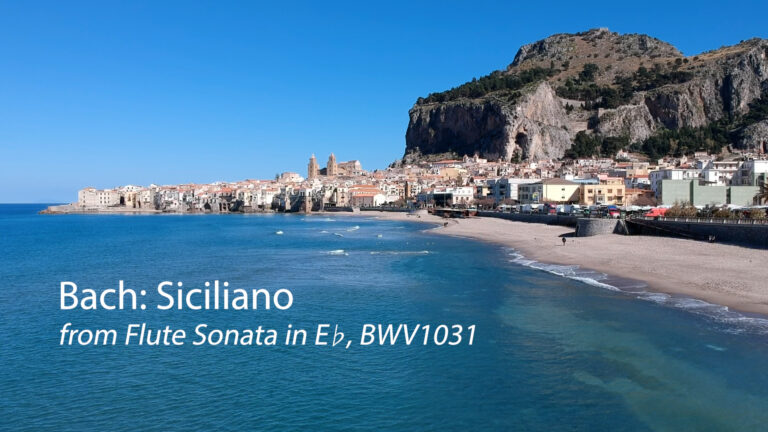
Season’s Greetings—Bach: Siciliano (Flute and Spinet)
Season's greetings once again this year. I present Bach's Siciliano, mainly against a backdrop of scenery from Sicily. The flute I am using was made in…
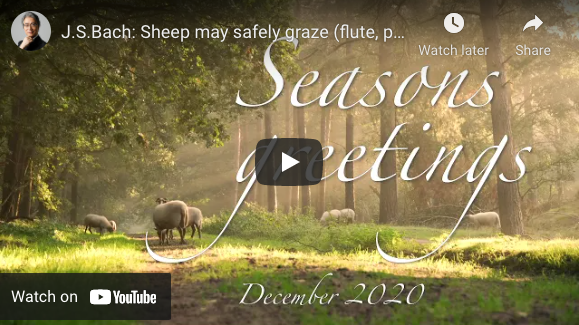
Season’s Greetings—J. S. Bach: Sheep May Safely Graze (Flute, Piano, Spinet, and Marimba)
https://www.youtube.com/watch?v=qP9l47YJuzc To everyone who has supported me this year: 2020 was the year I opened my independent practice amid the coronavirus pandemic, and although I wondered…
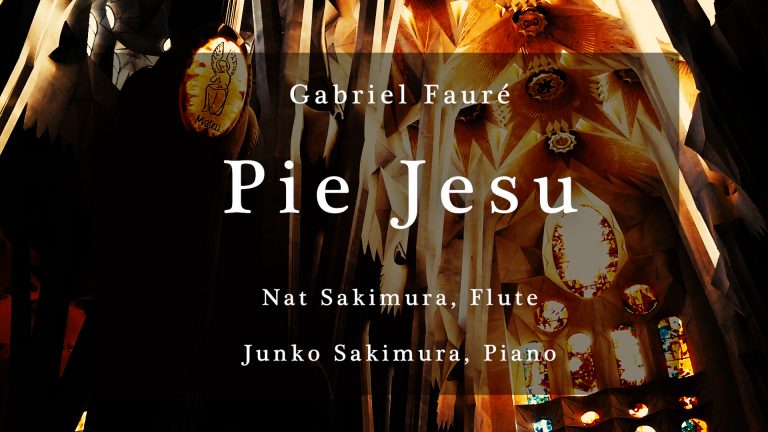
Greetings to Everyone Who Helped Me This Year: Fauré’s “Pie Jesu”
December has already passed its 3 out of 1 mark. As every year, it has flown by, and it was another year that I somehow managed…
You must be logged in to post a comment.