
Spam has been so bad lately that I tried installing bsfilter .
Until now, I had been using spamassassin, but its handling of Japanese seemed somewhat inadequate, so I tried replacing it. For now, I have specified kakasi as the tokenizer. Strangely, not much spam has arrived today (well, I filter it with SPF), so I have received only 4 spam messages so far. At the moment, it is sorting them 100% accurately, but of course that is not statistically significant 🙁
I installed it with dselect and put the following in Maildrop’s .mailfilter:
xfilter “/usr/bin/bsfilter –pipe –insert-flag –insert-probability”
if (/^X-Spam-Probability: *1..*/:h || /^X-Spam-Probability: *0.[89].*/)
{
to “./Maildir/.Archive.spam09/”
}
That is how I have set it up.
Referring to this page, I have the following in ~/.bsfilter/bsfilter.conf:
jtokenizer kakasi
spam-cutoff 0.6
Since I have it set up this way, perhaps the following would actually be better:
xfilter "/usr/bin/bsfilter --pipe --insert-flag --insert-probability"

if (/^X-Spam-Flag: Yes/:h)
{
        to Maildir/.Archive.spam09
}
Would something like that be better?
Oh well. I am looking forward to seeing how it goes.
Related posts

Using clamdscan with courier-mta
clamdscan uses the daemon of the virus scanner clamav to check emails and the like for viruses. If you use Courier-mta, you are probably using mailfilter…
Resetting bsfilter
Recently, perhaps because of overlearning, bsfilter's performance has deteriorated, so I cleared it completely and retrained it. This time, there is no automatic learning. Japanese tokenization…
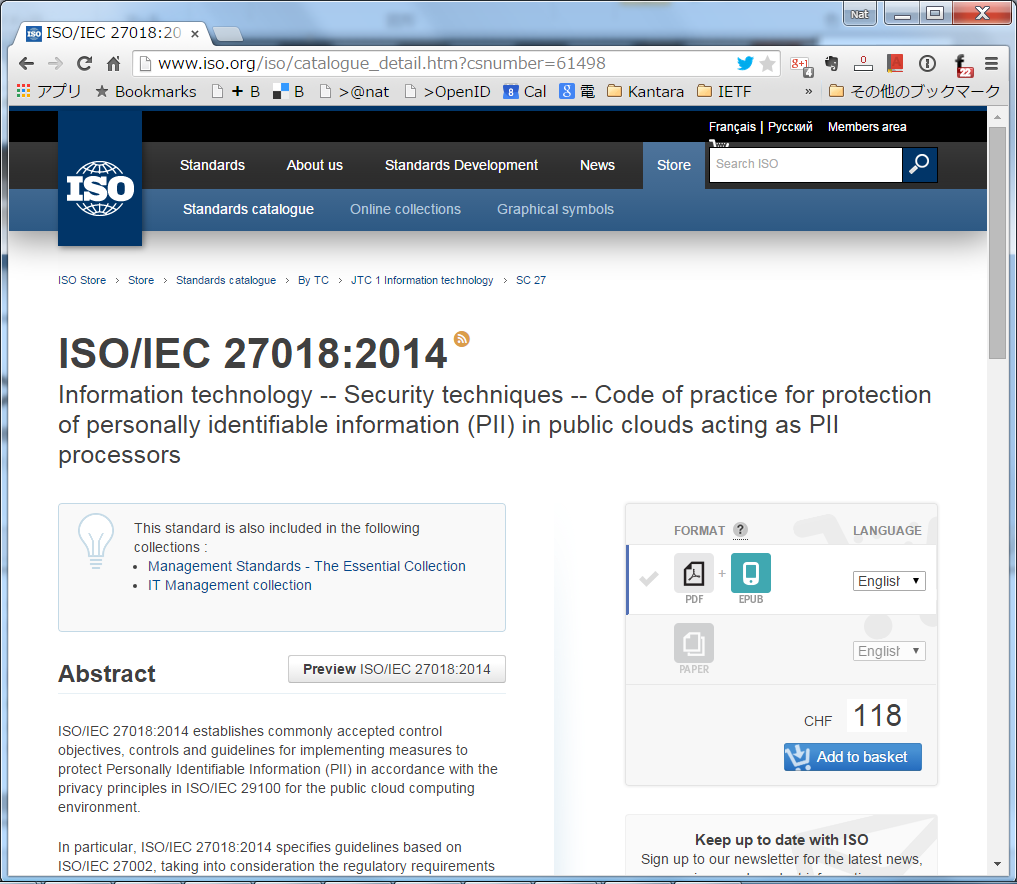
Microsoft Azure and Dropbox Comply with International Standard ISO/IEC 27018 for Cloud Privacy Controls
It seems that Microsoft Azure has been confirmed as the first cloud computing platform to comply with ISO/IEC 27018 [1], the only international standard for privacy…