
Have you ever known that your ESTA had been issued but worried because you could not remember when it expired? I have. But there is no need to worry. You can check your ESTA expiration date with only your passport information.
Follow the steps below to check your ESTA expiration date.
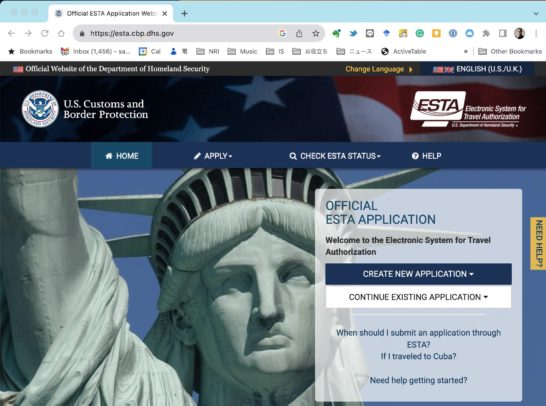
1. Visit the U.S. Customs and Border Protection website. A screen like the one below will appear.
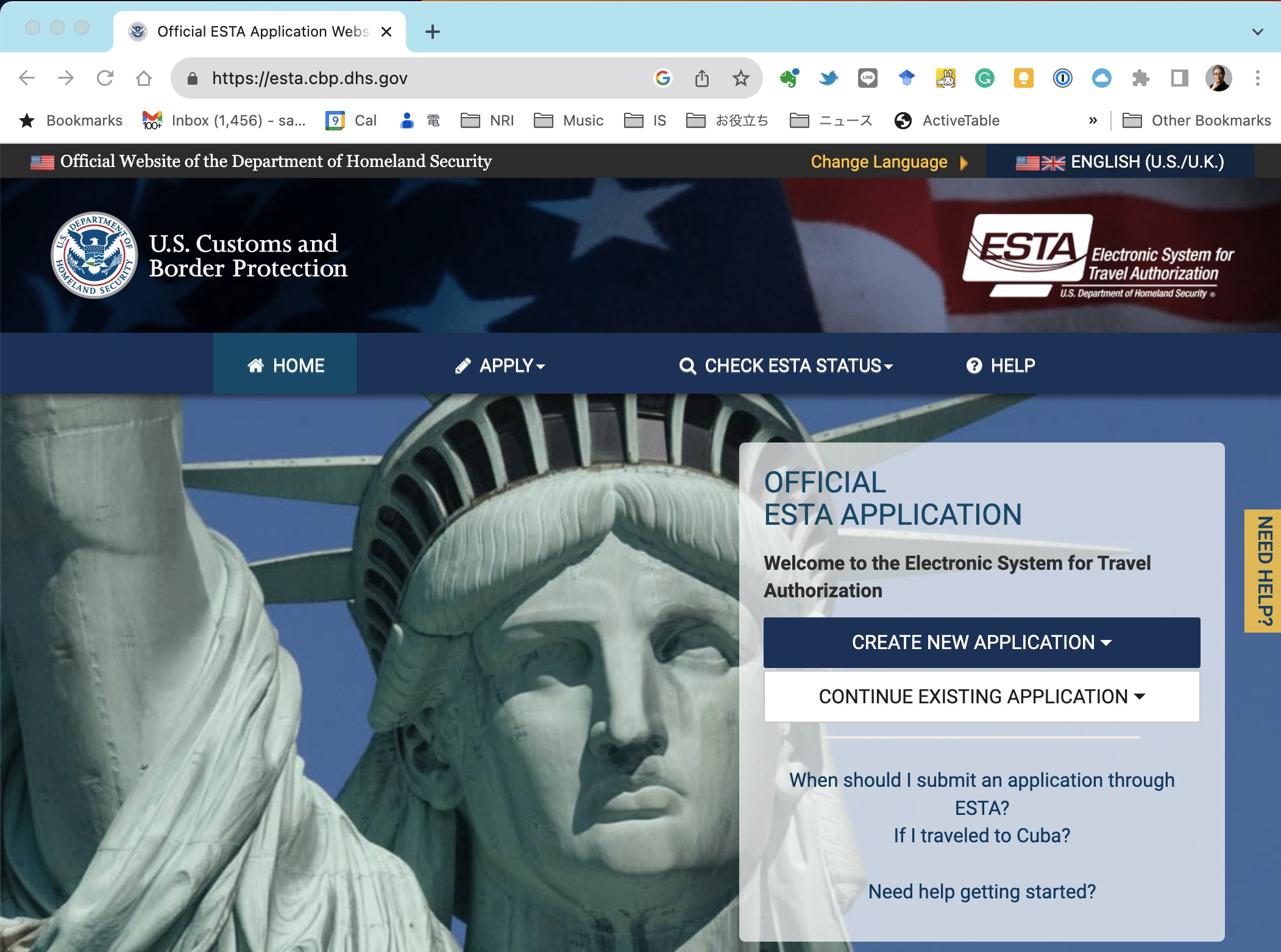
2. Click “CHECK ESTA STATUS” in the menu bar. A menu will appear.
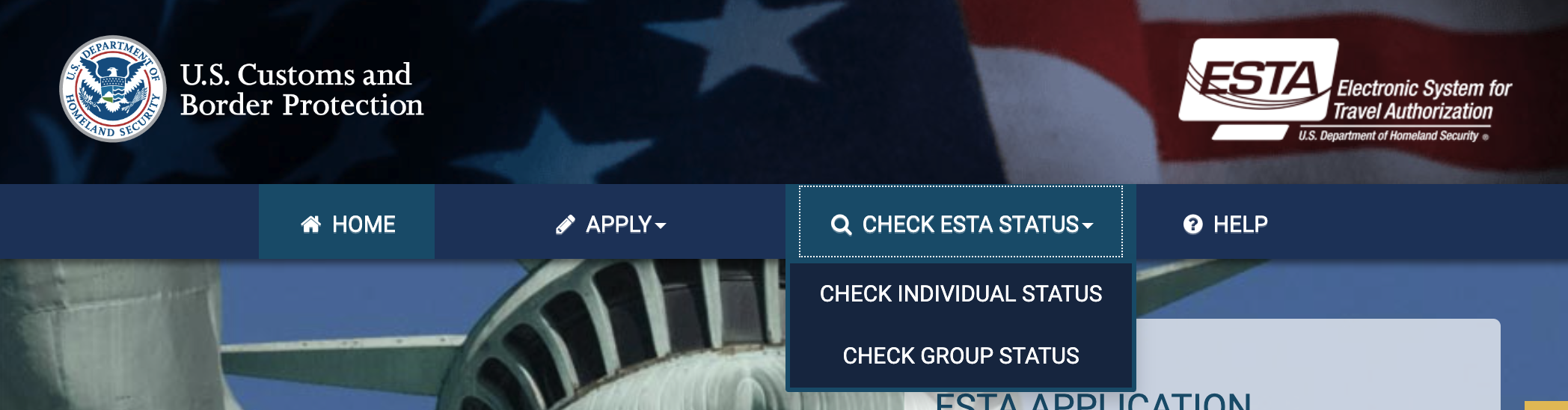
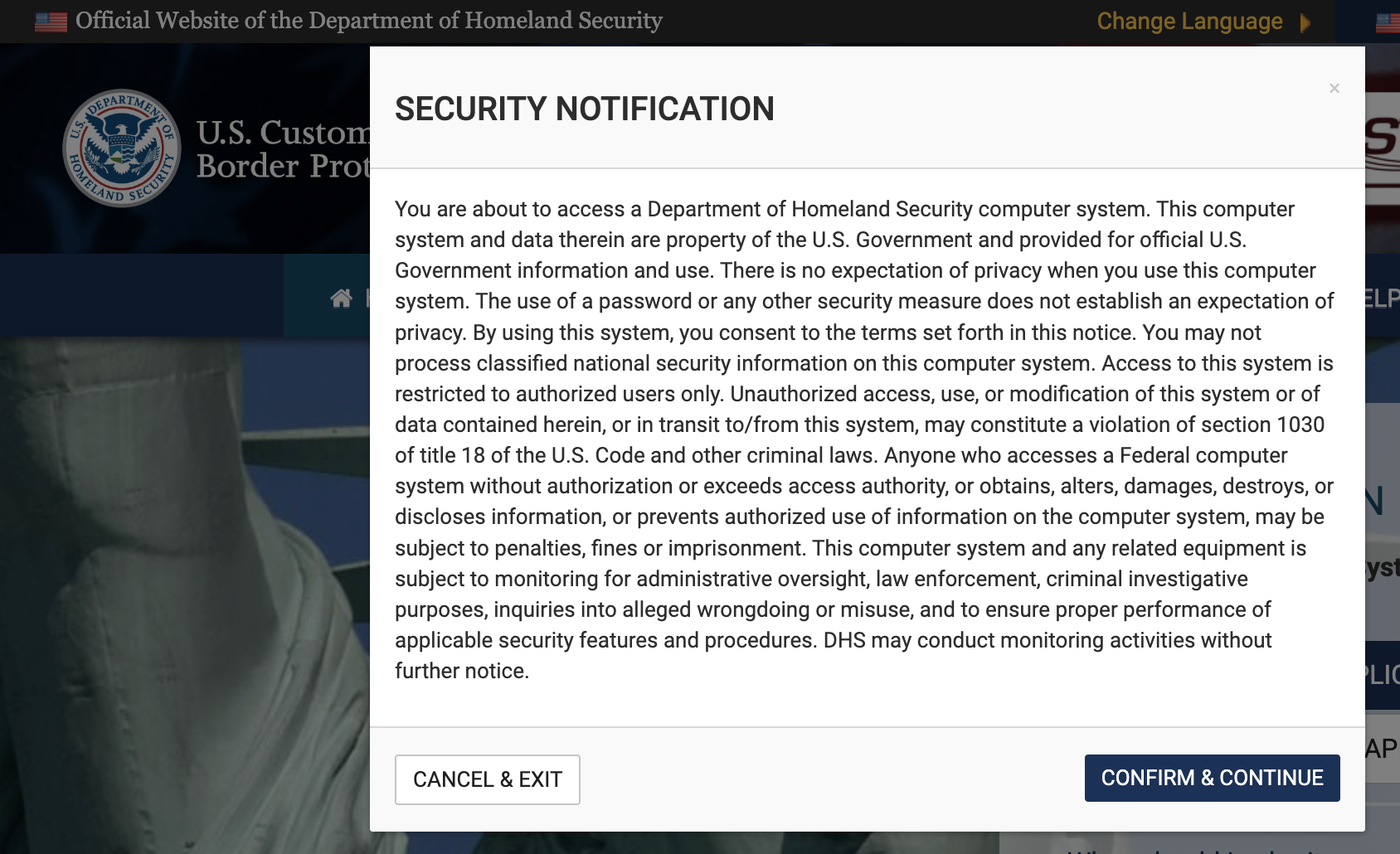
3. Click “CHECK INDIVIDUAL STATUS.” A SECURITY NOTIFICATION like the one below will appear; select “CONFIRM & CONTINUE.”
4. You will then reach the RETRIEVE INDIVIDUAL APPLICATION page.
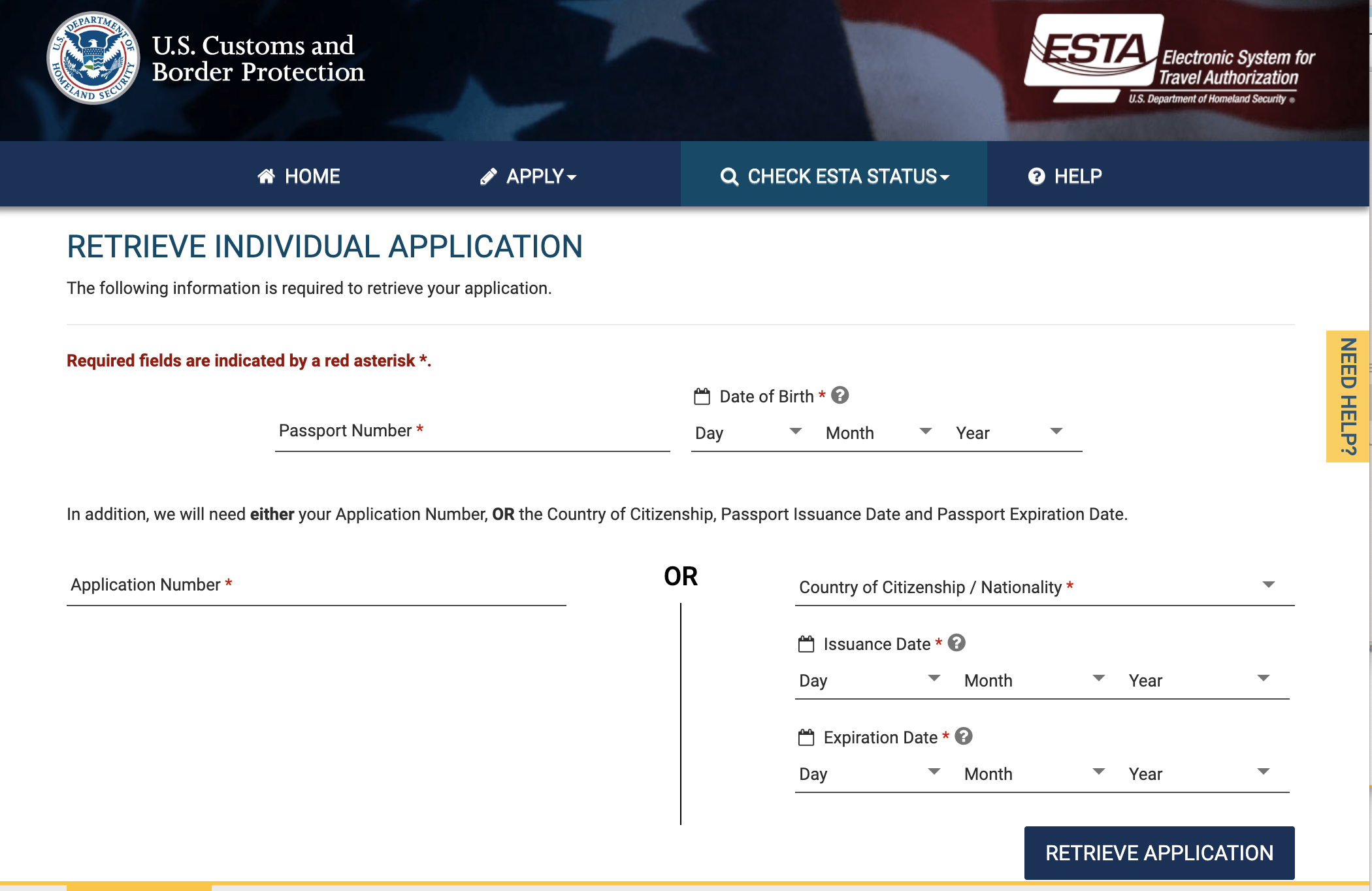
5. Enter the passport number shown on your passport’s photo page in the “Passport Number” field, and enter your date of birth by selecting the day, month, and year from the drop-down menus. Then enter your passport information in the fields to the right below “OR.” “Country of Citizenship / Nationality” means your nationality; if you are Japanese, select “JAPAN (JPN).” “Issuance Date” and “Expiration Date” mean the date of issue and expiration date, respectively, and are shown on the passport’s photo page. Enter this information and click the “RETRIEVE APPLICATION” button.
6. The application information page will then be displayed.
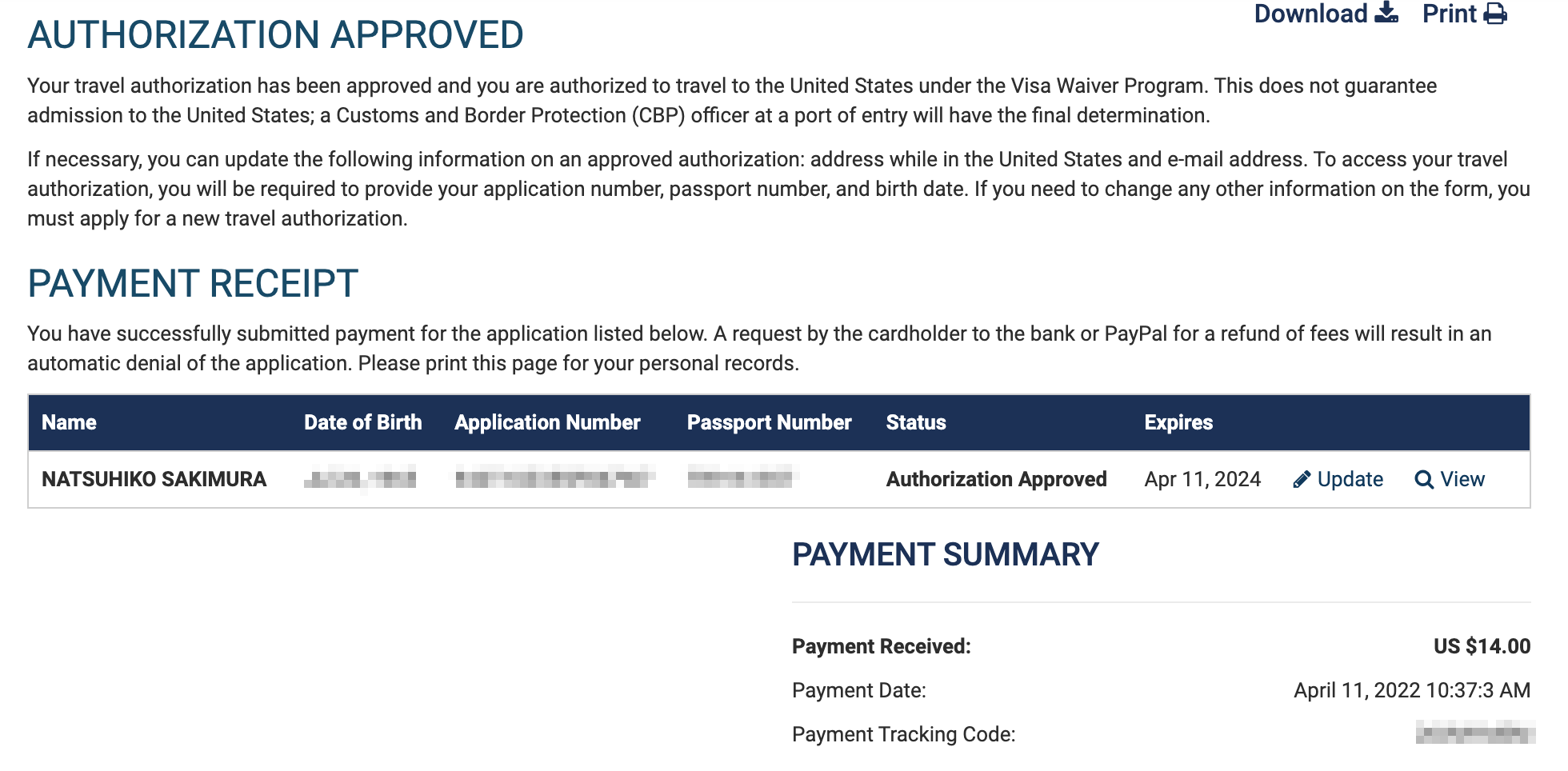
In my case, it appears to be valid until April 11, 2024.
That was easy!
Have a good trip!
Related posts

Authlete Features for OAuth/OIDC Profiling: A Summary
As many of you may know, I serve as an outside director of Authlete Despite that, I had not kept up with the latest developments, so…
Response to the Request for Public Comments on Vaccine Passports
The Digital Agency issued a request for public comments on vaccine passports, so I submitted a response. The following is a copy, preserved here for the…

Fees for Commercial Registration Electronic Certificates Reduced: 1-Month Certificates Now Start at ¥500
The fees for commercial registration electronic certificates were revised effective April 1. An electronic certificate valid for 1 month can now be issued for ¥500, while…
You must be logged in to post a comment.