
As I announced on X (formerly Twitter) on March 8, the Reference Implementation of the EU Digital Identity Wallet has been released.
EUDI Wallet Reference Implementation が出たようです。自分でコンパイルしないと使ってみることできなさそうですが。Open Wallet FoundationのメーリスではUX悪すぎと話題w https://t.co/KsFQPsUQ3y
The GitHub address is here. It says:
The EUDI Wallet Reference Implementation is built based on the Architecture and Reference Framework (ARF) and aims to showcase a robust and interoperable platform for digital identification, authentication, and electronic signatures based on common standards across the European Union.
The EUDI Wallet Reference Implementation is based on a modular architecture consisting of business-agnostic, reusable components that can evolve incrementally and be reused across multiple projects. Specifically, the following components are provided as part of the EUDI Wallet Reference Implementation:(Source) Kanellopoulos, V., (2024), EUDI Wallet Reference Implementation, https://github.com/eu-digital-identity-wallet/.github/blob/main/profile/reference-implementation.md (accessed 2024-03-11)
- Libraries and other software components required by the framework
- EUDI Wallet mobile-native demo apps for issuance, proximity, and remote flows
- Mobile-native Verifier app and web services for proximity and remote flows
- Issuer app and web services
Just when I was thinking that following the pages above one by one would be quite a task, Mr. Fujie of the IdM Laboratory had compiled a list of the modules.
The following groups of modules have been released.
(Source) Fujie, (2024), “Reference Implementation of the EU Digital Identity Wallet Has Been Released,” https://idmlab.eidentity.jp/2024/03/eudigital-identity-wallet.html
- Wallet Core(Android) and Wallet Kit(iOS) Coordinator Libraries
- Wallet Core(Android)
- Wallet Kit(iOS)
- Proximity Sharing iOS Libraries
- mDoc Security(iOS)
- mDoc Data Transfer(iOS)
- mDoc Data Model(iOS)
- Proximity Sharing Android Libraries
- mDoc Data Transfer(Android)
- Remote Presentation iOS Libraries
- Presentation Exchange(iOS)
- SIOPv2 and OpenID4VP protocols(iOS)
- SD-JWT(iOS)
- Remote Presentation Android Libraries
- Presentation Exchange(Android)
- SIOPv2 and OpenID4VP protocols(Android)
- SD-JWT(Android)
- Issuing iOS Libraries
- OpenId4VCI(iOS)
- Issuing Android Libraries
- OpenId4VCI(Android)
- Wallet Data Storage and Cryptographic Management iOS Libraries
- mDoc Document Storage (iOS)
- Wallet Data Storage and Cryptographic Management Android Libraries
- mDoc Document Storage (Android)
- Wallet UI App and demo App for Android and iOS
- UI / Demo App (Android)
- UI / Demo App (iOS)
- Verifier Apps and Services
- Web Verifier
- Restful API (web-services)
- Issuing Apps and Services
- OpenId4VCI issuer (Python)
- OpenId4VCI issuer (Kotlin)
Demo Video
The basic premise is that implementers will use these components to build their own implementations, including user interfaces (UIs), but a UI is also provided as part of the reference implementation. You can download it from this page, install it, and try it out. However, the hurdle is rather high because you have to weaken the security settings of the OS. For those users, a screen-recorded video showing it in operation is also available (Android version only). Below, I explain what is shown in that video. (All screenshots below are sourced from “https://github.com/eu-digital-identity-wallet/eudi-app-android-wallet-ui?tab=readme-ov-file.”)
Issuance
The issuance demo shows the issuance of a National Identity Document (National ID) and a driver’s license.
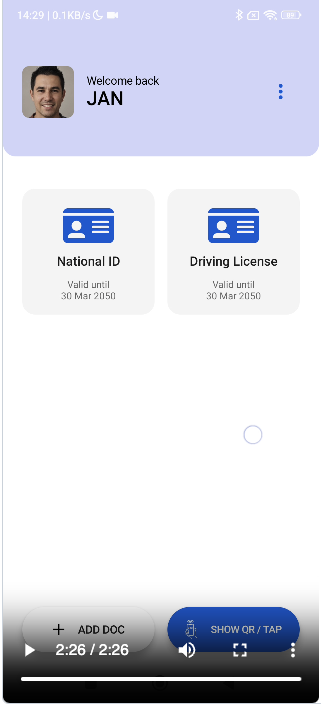
On the demo screen, what appears to be an app-launch splash screen displaying the EU flag appears first. After a short wait, it changes to what appears to be the wallet login screen, where a 6-digit PIN is entered.
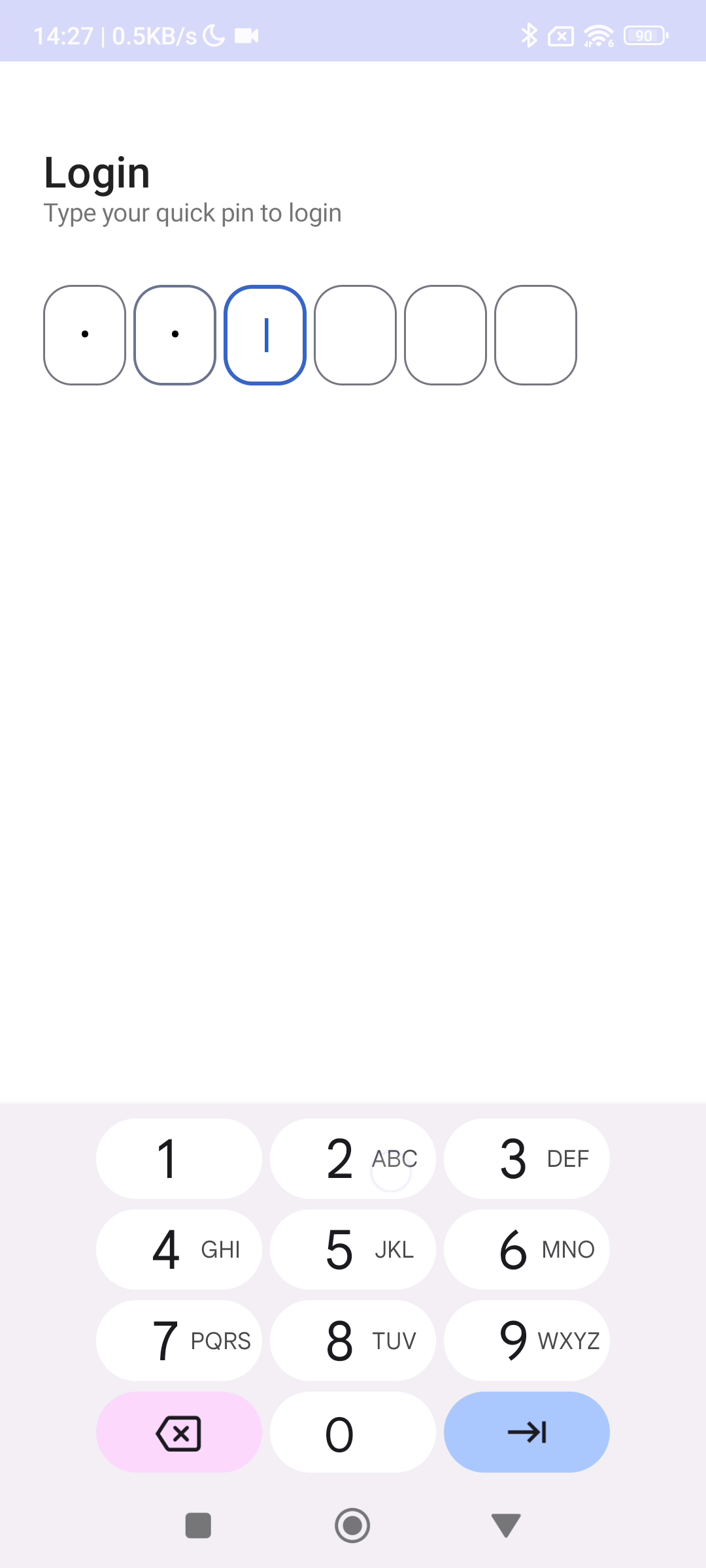
Once the user has been authenticated, the screen for obtaining an Identity Document (ID) appears. Here, a National Identity Document can be obtained. It appears that a driver’s license cannot be obtained at this stage.
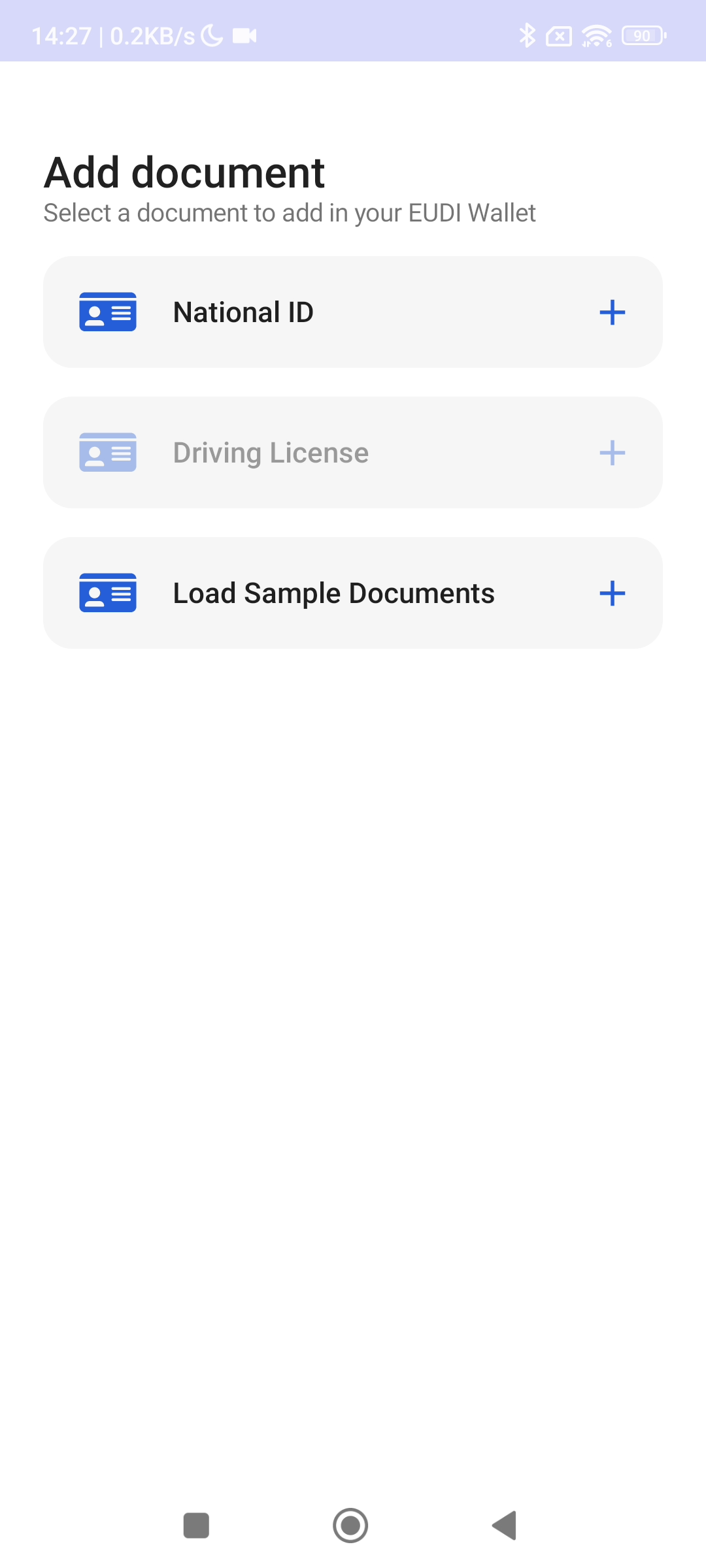
When National ID is selected here, the screen changes to a country selection screen. EU is selected in the demo, but this is only for demonstration purposes; in a real-world case, I assume an individual country would be selected.
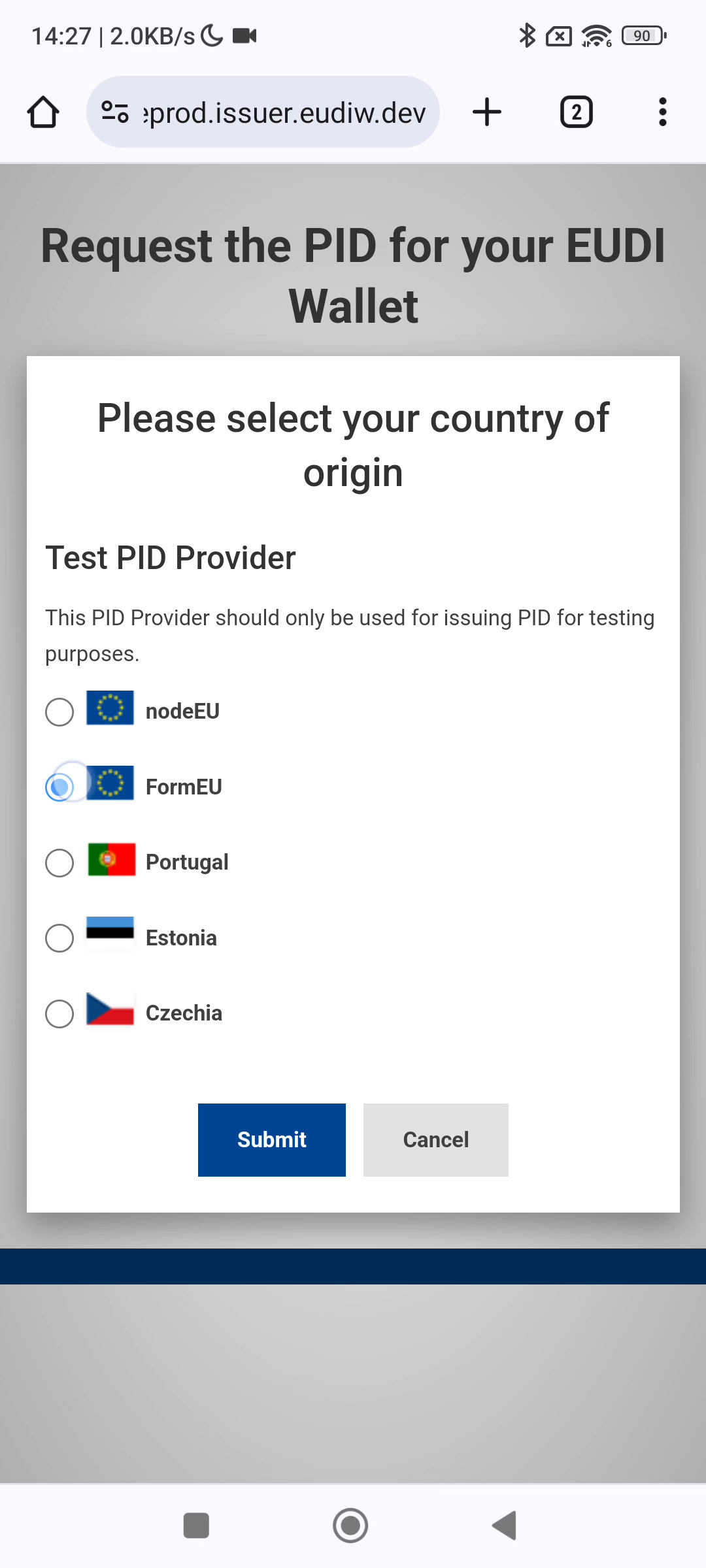
Pressing the “Submit” button changes the screen again, this time to a screen for entering personal information for the provider in question. Presumably, the individual is identified at this point. The user is asked to enter their name and date of birth. In an actual issuance process, some form of identity proofing and user authentication would presumably be performed here.
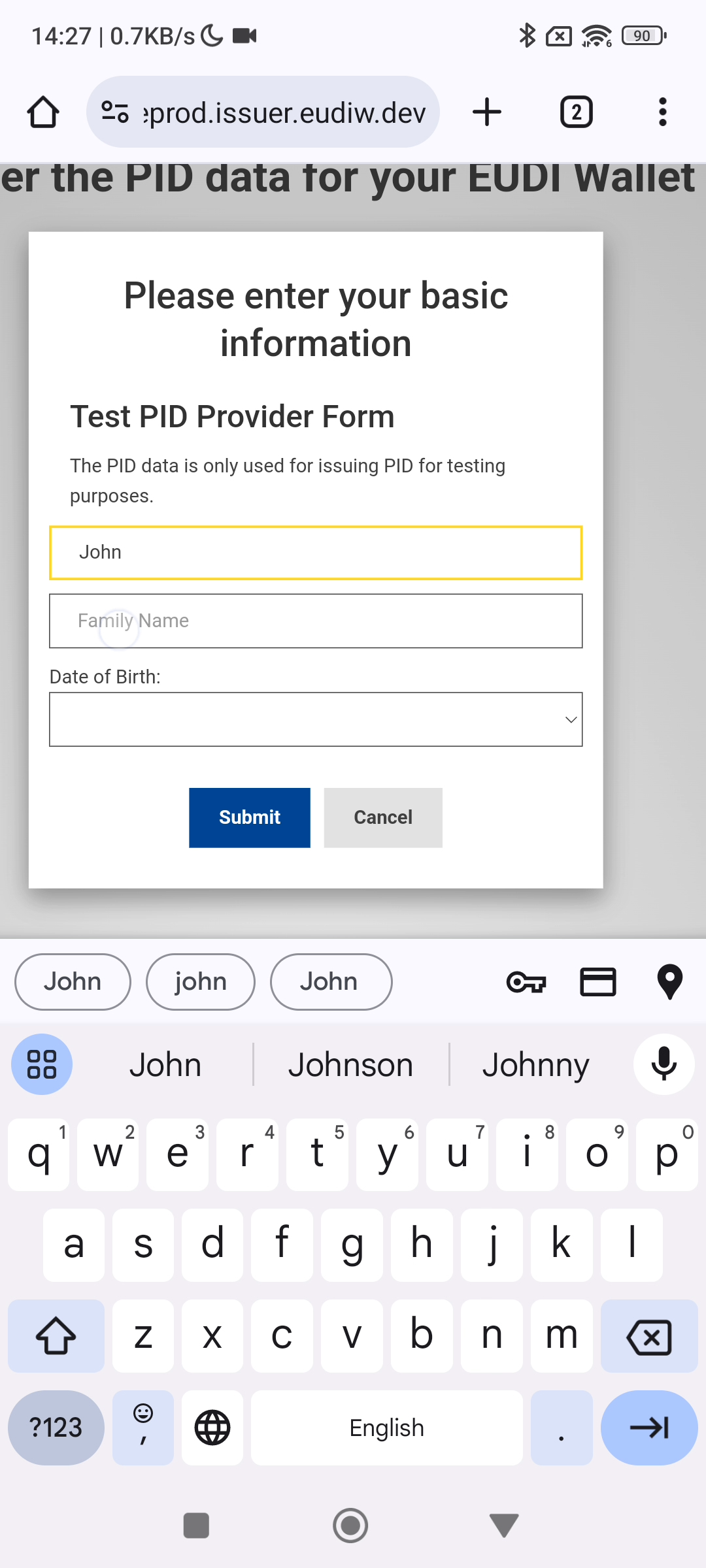
After the information is entered and submitted, the National Identity Document is displayed.
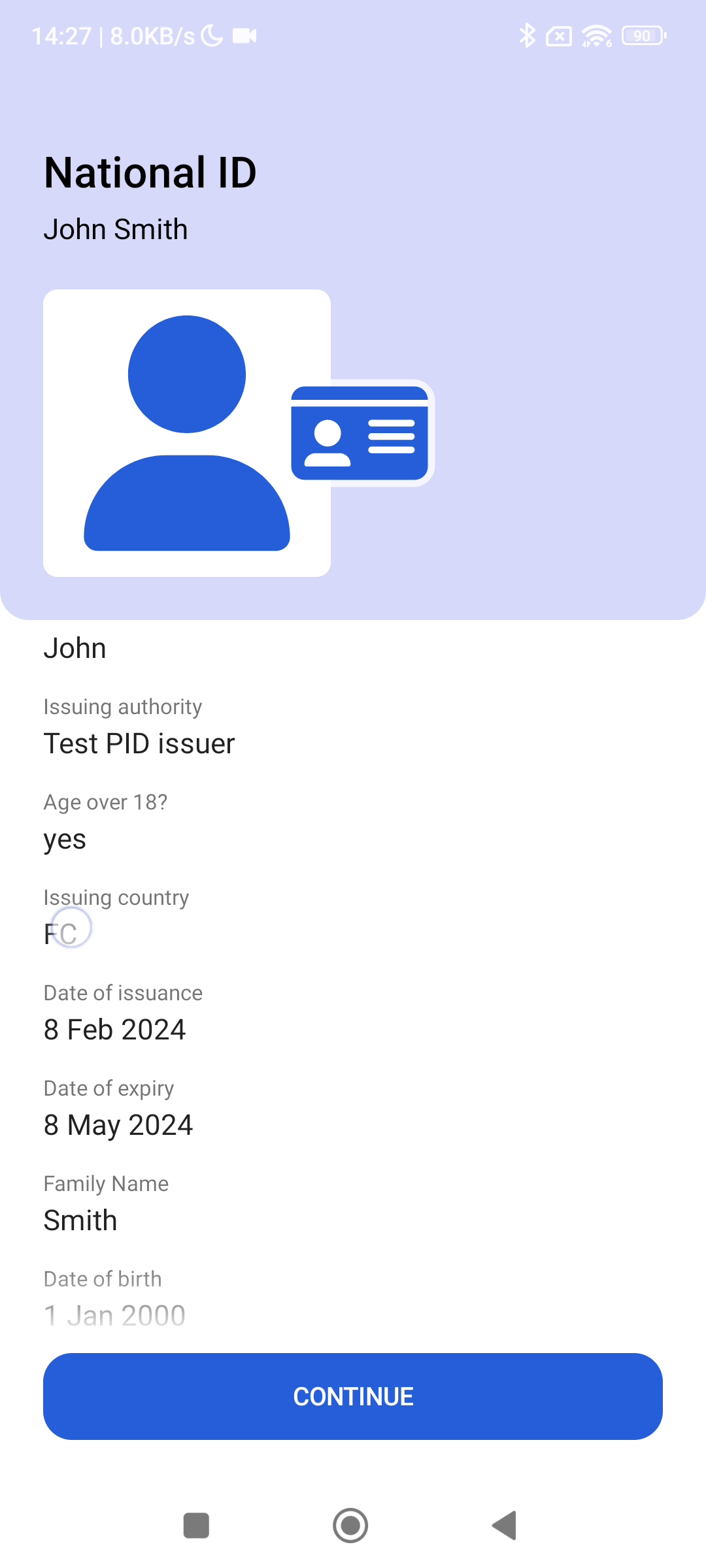
Pressing “CONTINUE” here stores this identity document (ID) in the wallet.
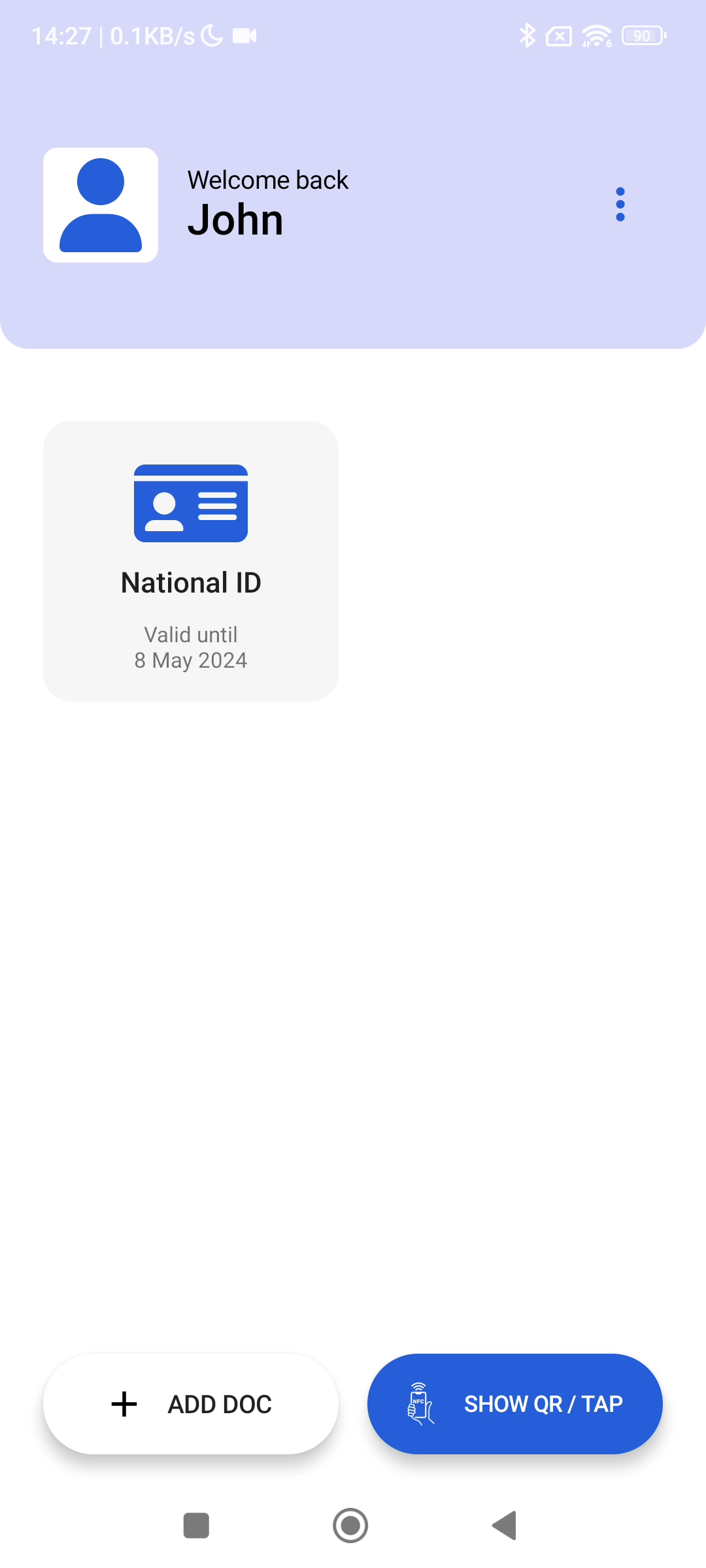
Pressing “ADD DOC” here now allows a Driving License to be added.
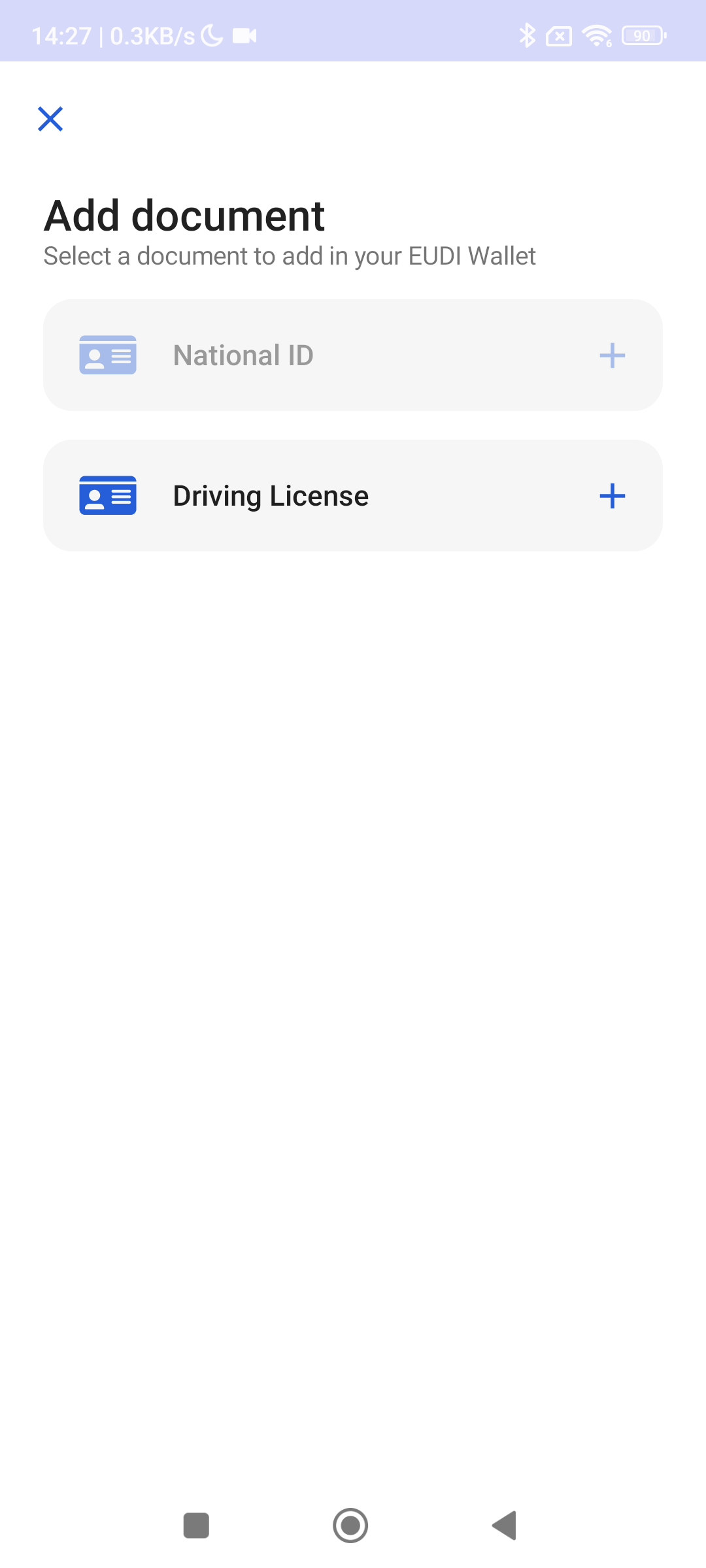
Let’s add it right away. The screen then changes to the driver’s license issuer. When personal information is entered in the same way as before, a mobile driver’s license is issued and stored in the wallet.
The demo then also shows how to delete a credential.
Presentation
For presentation, it appears that selective disclosure using OpenID for Verifiable Presentation (OID4VP)+CBOR, OID4VP+CBOR, and OID4VP Custom are supported as 3 types of presentation flows.
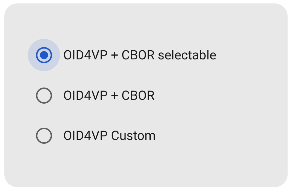
When a flow is selected, the Verifier screen appears first, where you can determine which attributes to request from the user.
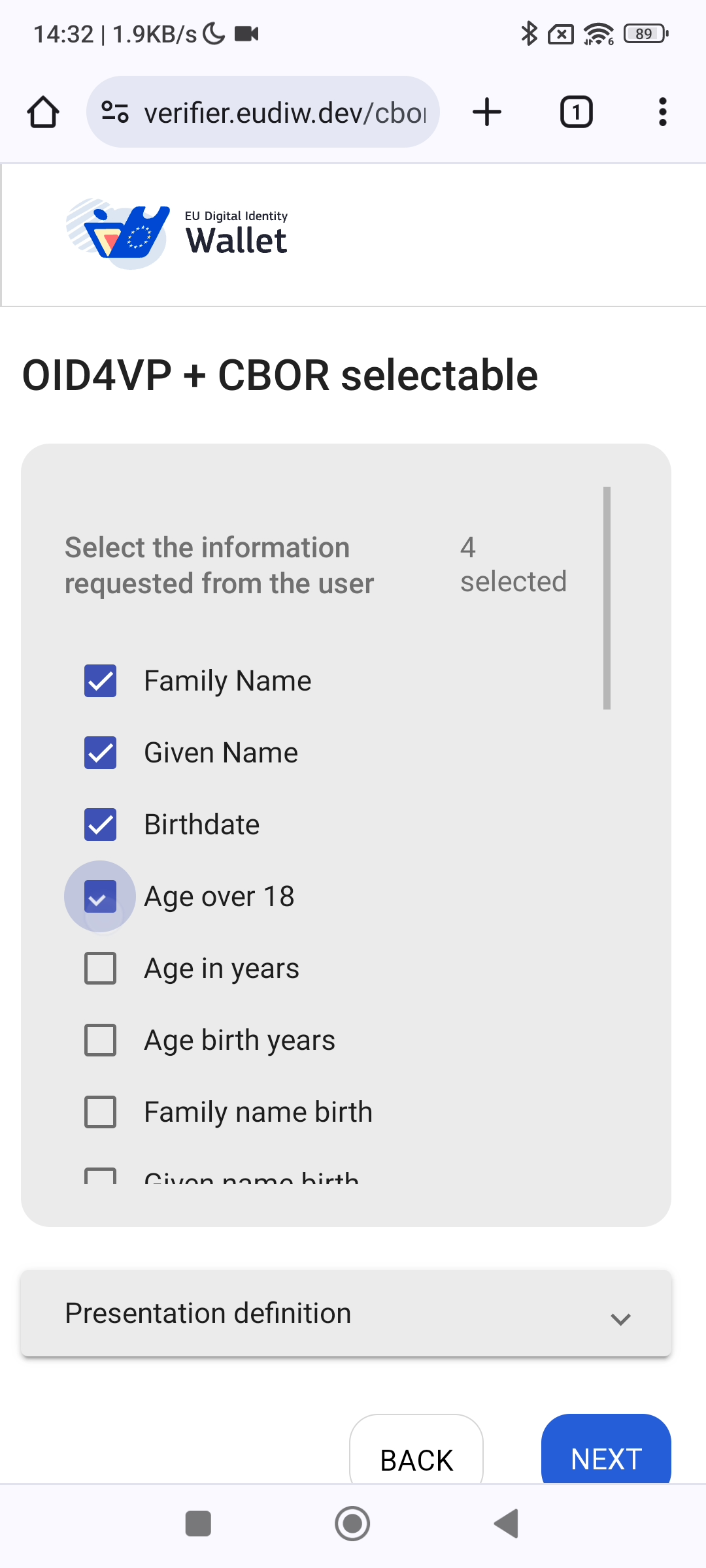
Then, clicking NEXT abruptly switches to the user’s screen, which asks for authorization. I assume that the user is expected to operate the interface from this screen onward, but this is extremely difficult to understand just by watching the screens.
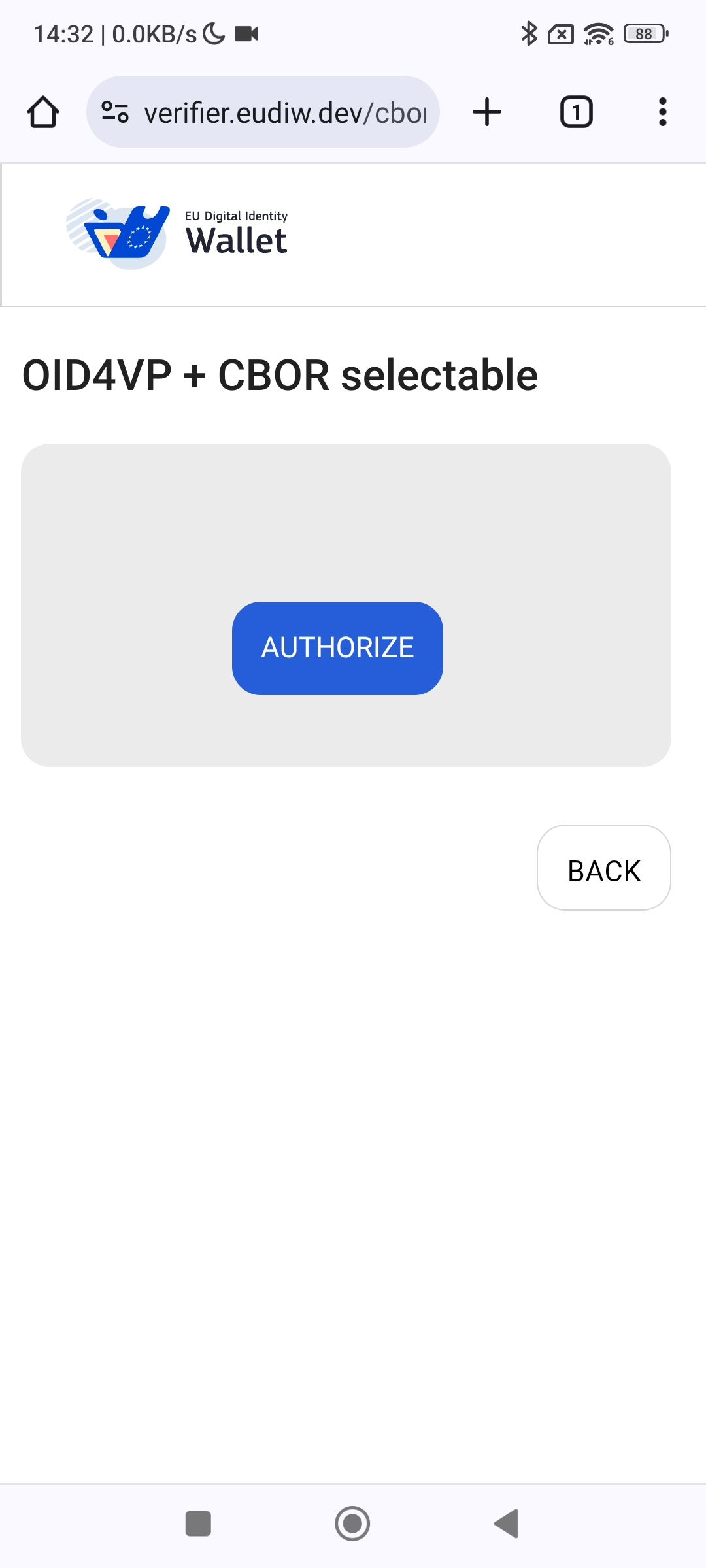
Pressing the AUTHORIZE button here changes the screen to a “login screen” for entering a 6-digit PIN. I believe this means logging in to the Wallet on the user’s smartphone.
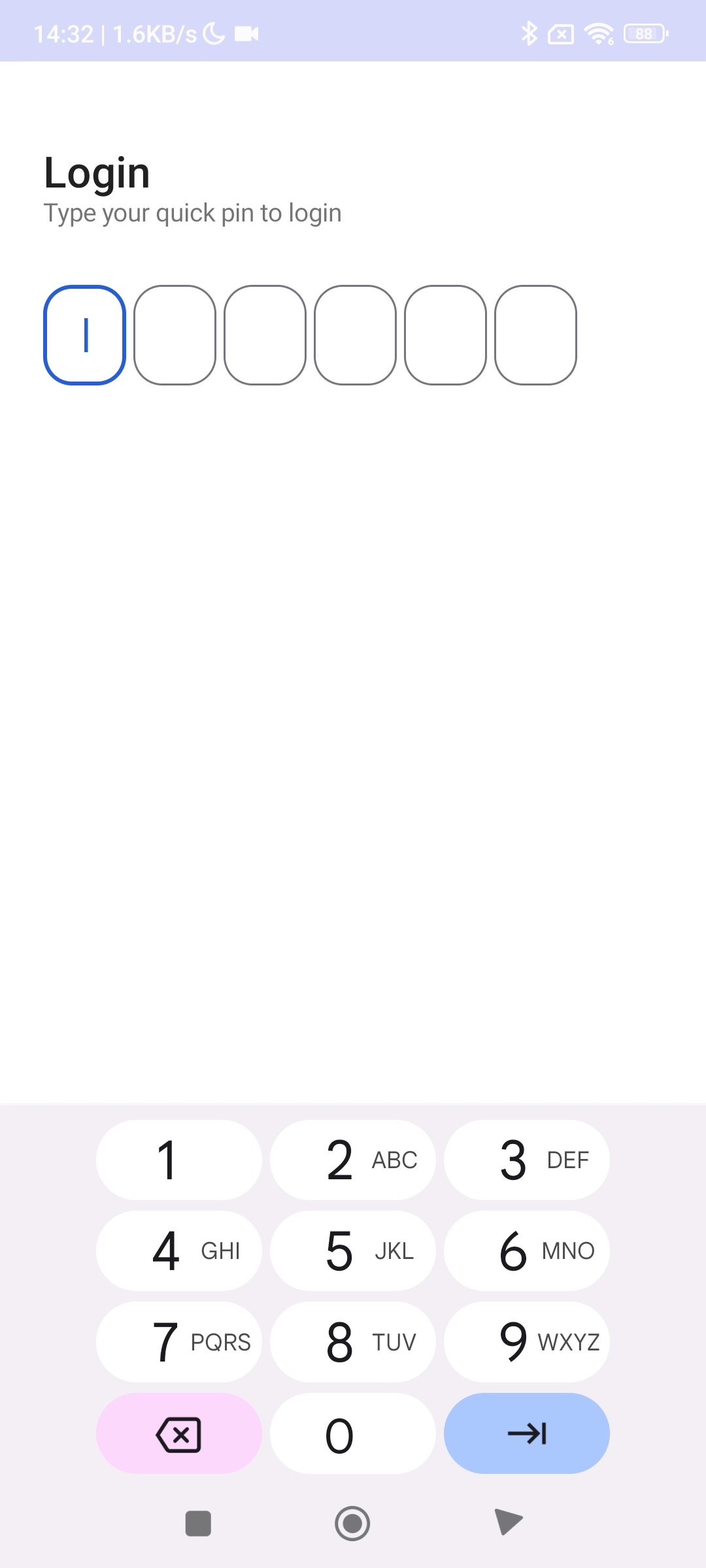
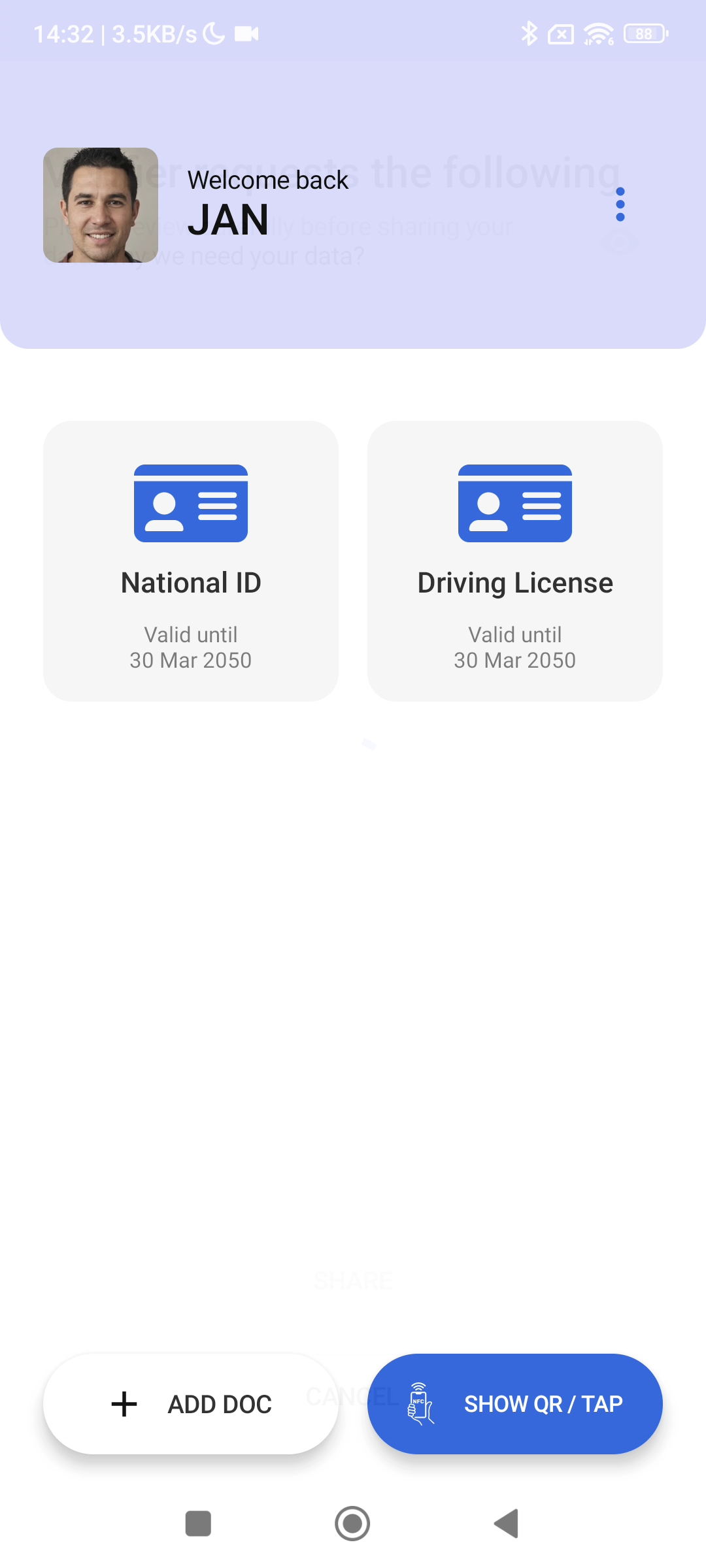
After logging in, “Welcomeback Jan” is displayed briefly, and then
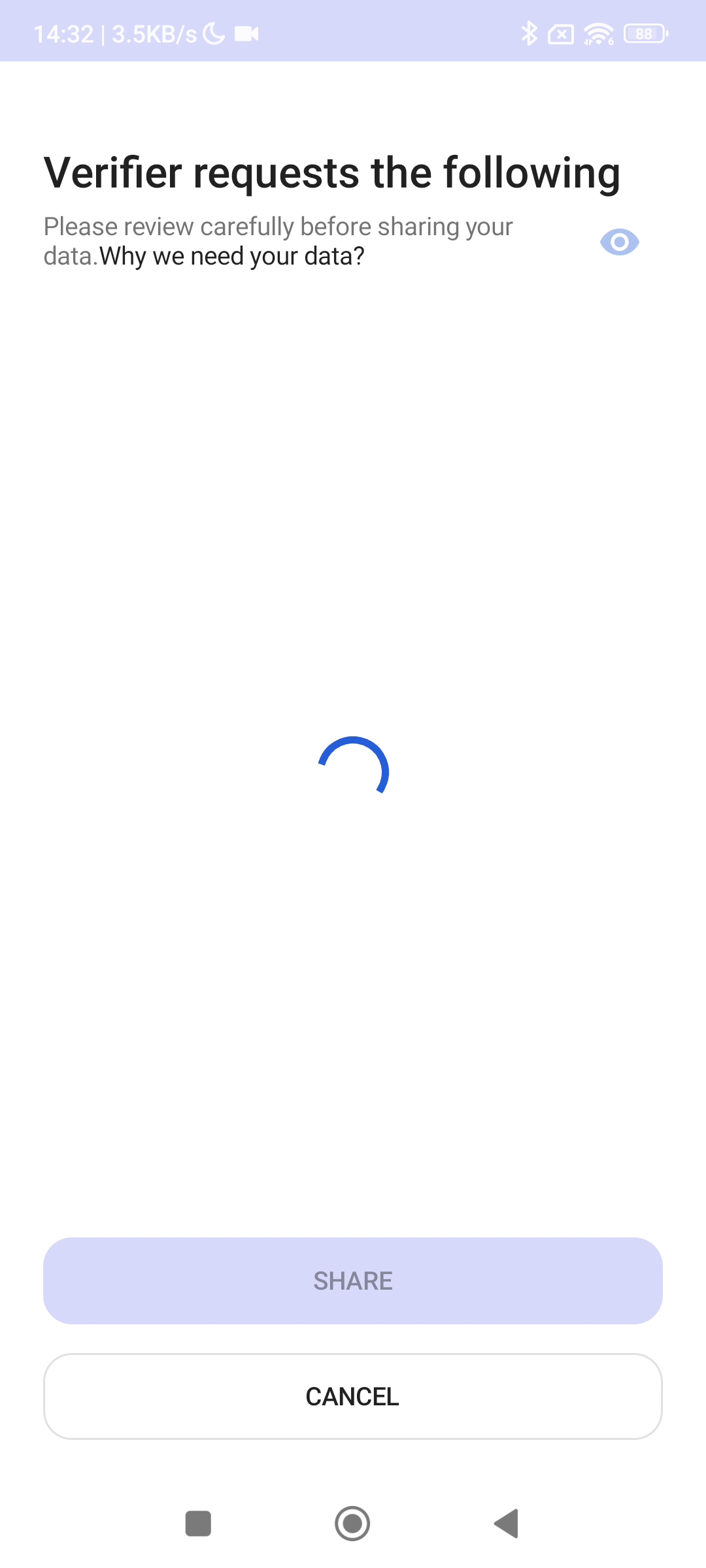
A message says that the Verifier is requesting the following data. There is a bold section that is probably a link and says “Why do they need your data? 8Why we need your data?),” so I believe clicking it allows you to see the reason as well.
After waiting a little, more detailed information appears about who is making the request and which data they are requesting.
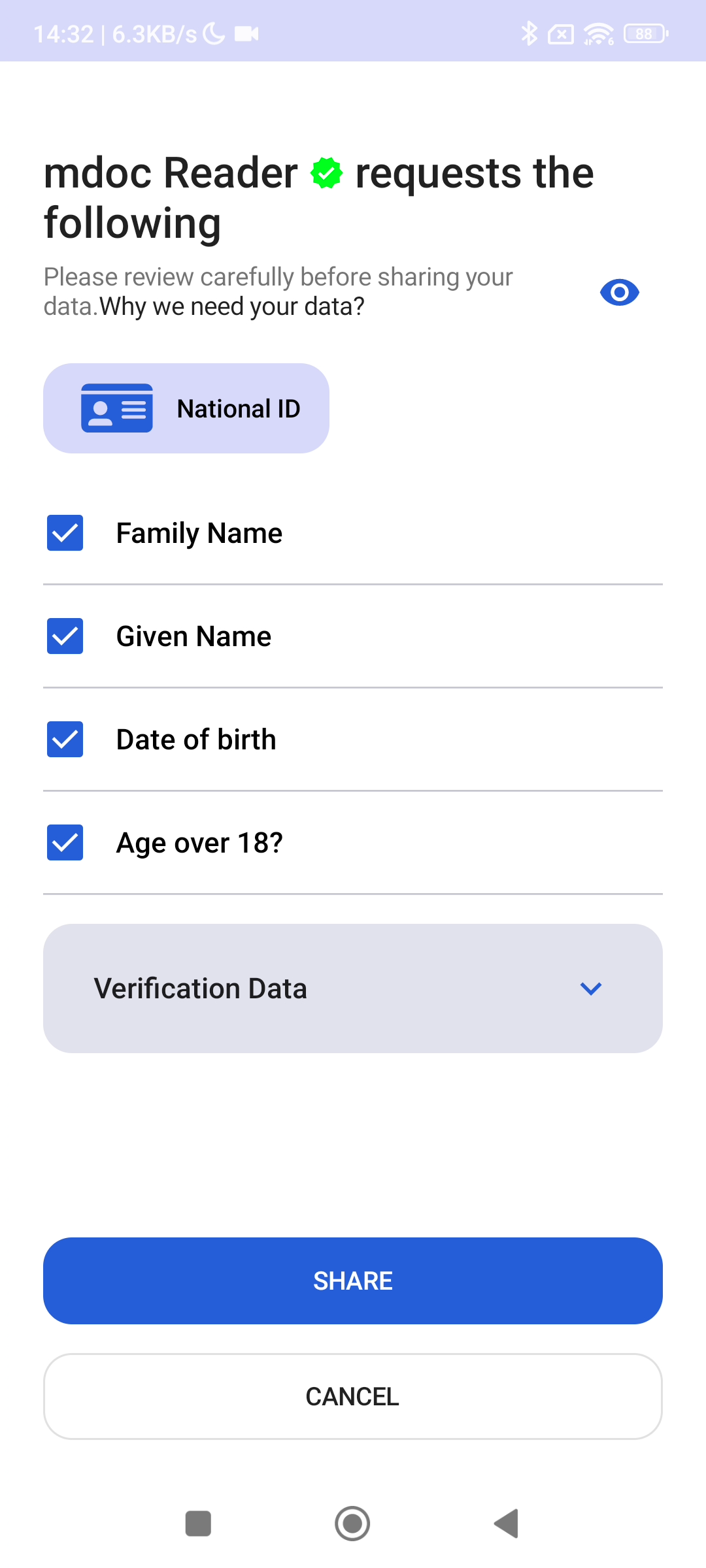
Opening the Verification Data section shows what accompanying information will be sent to prove these attribute values. This information is metadata about the data, but it may reveal such things as the user’s nationality or where they live. With that in mind, I believe it should be presented to the user a little more clearly.
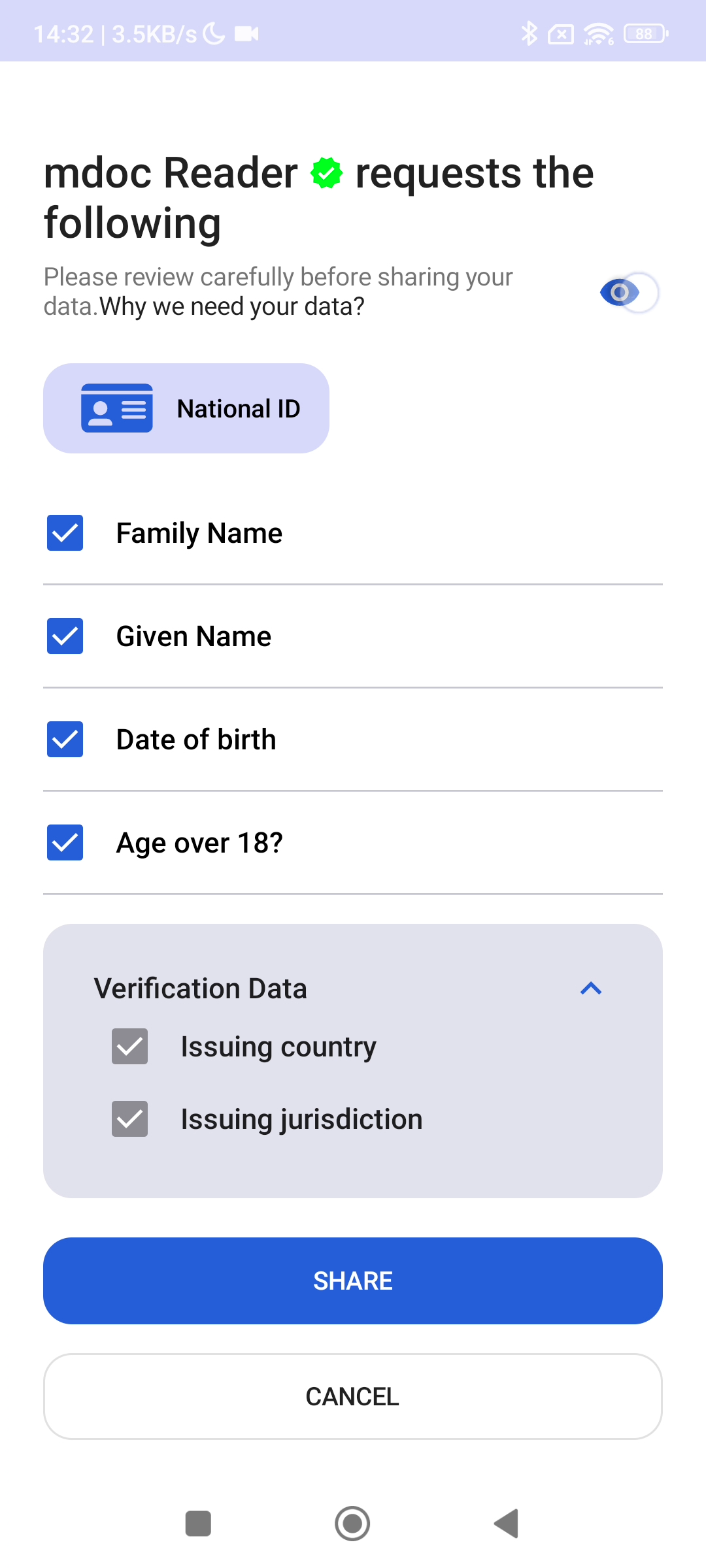
Regarding who is making the request, it also appears possible to verify whether the request comes from a trusted recipient (Relying Party, RP).
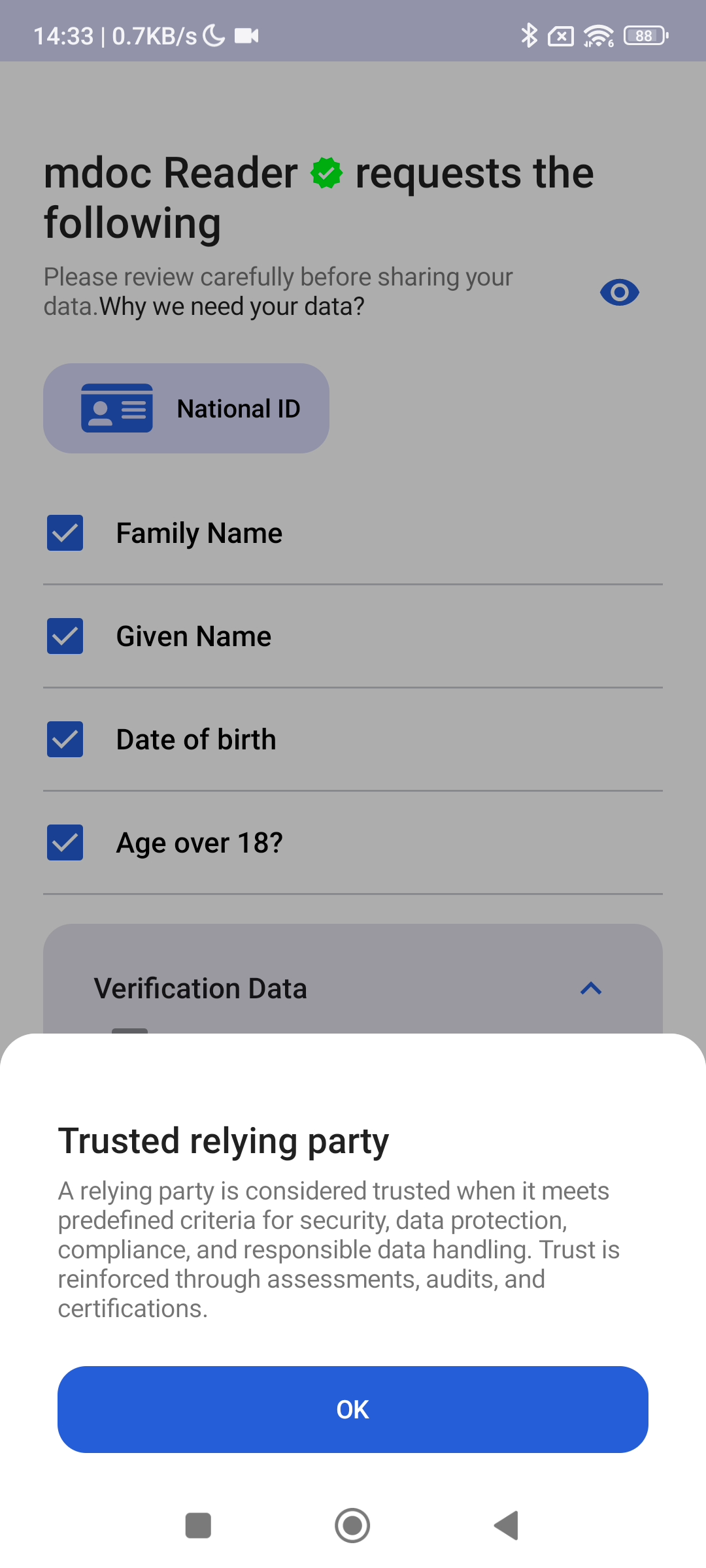
Pressing OK closes the Trusted relying party screen and returns to the previous screen. Pressing “SHARE” there prompts for the PIN once more, after which the information is provided.
Proximity Presentation
Proximity presentation is a use case in which data is transferred locally without going through a network, such as by tapping via NFC or scanning a QR code.
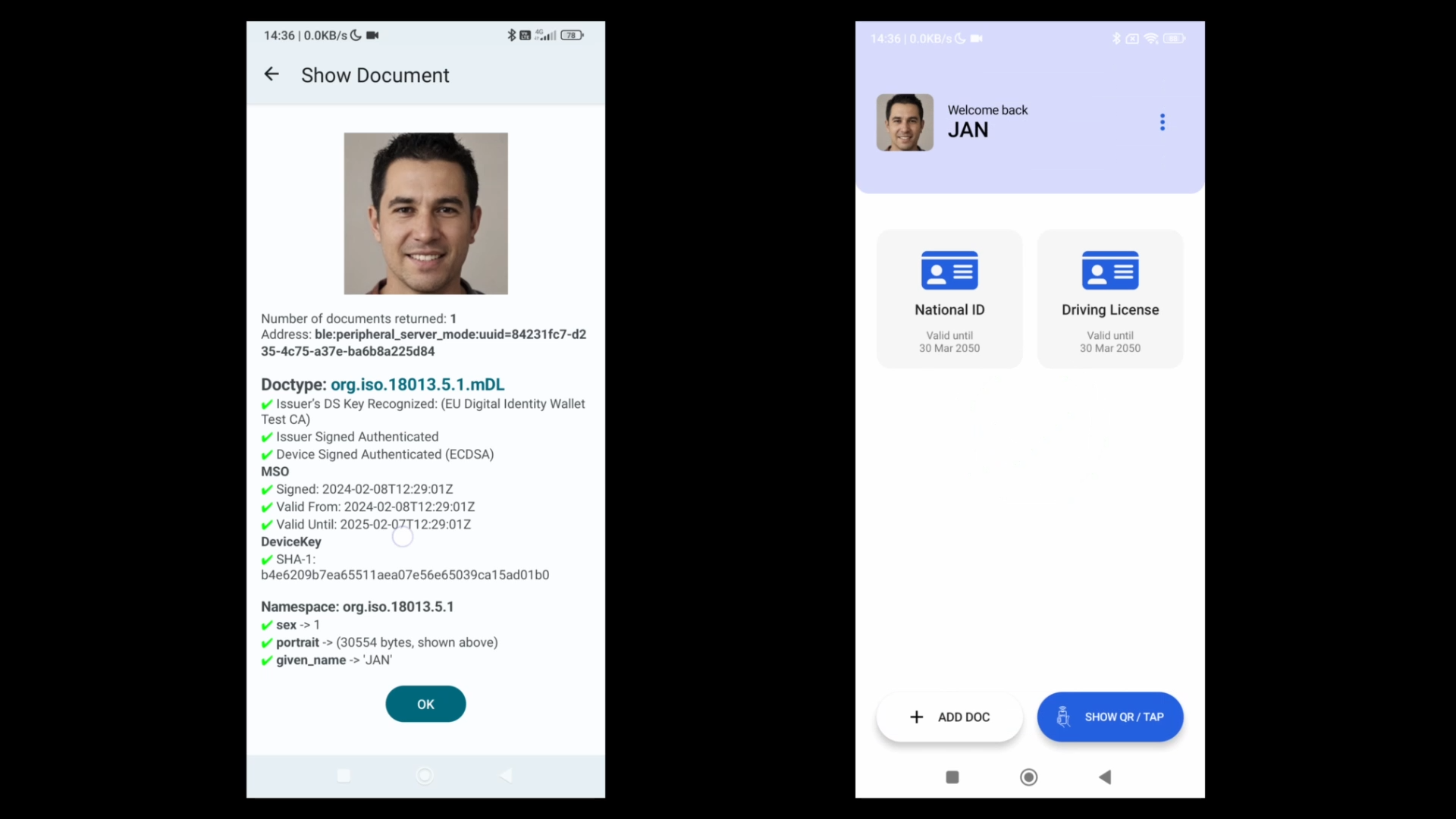
In the demo, the Verifier screen is on the left, while the presenting user’s/Holder’s/Presenter’s screen is on the right.
First, the user enters a PIN and logs in to the wallet.
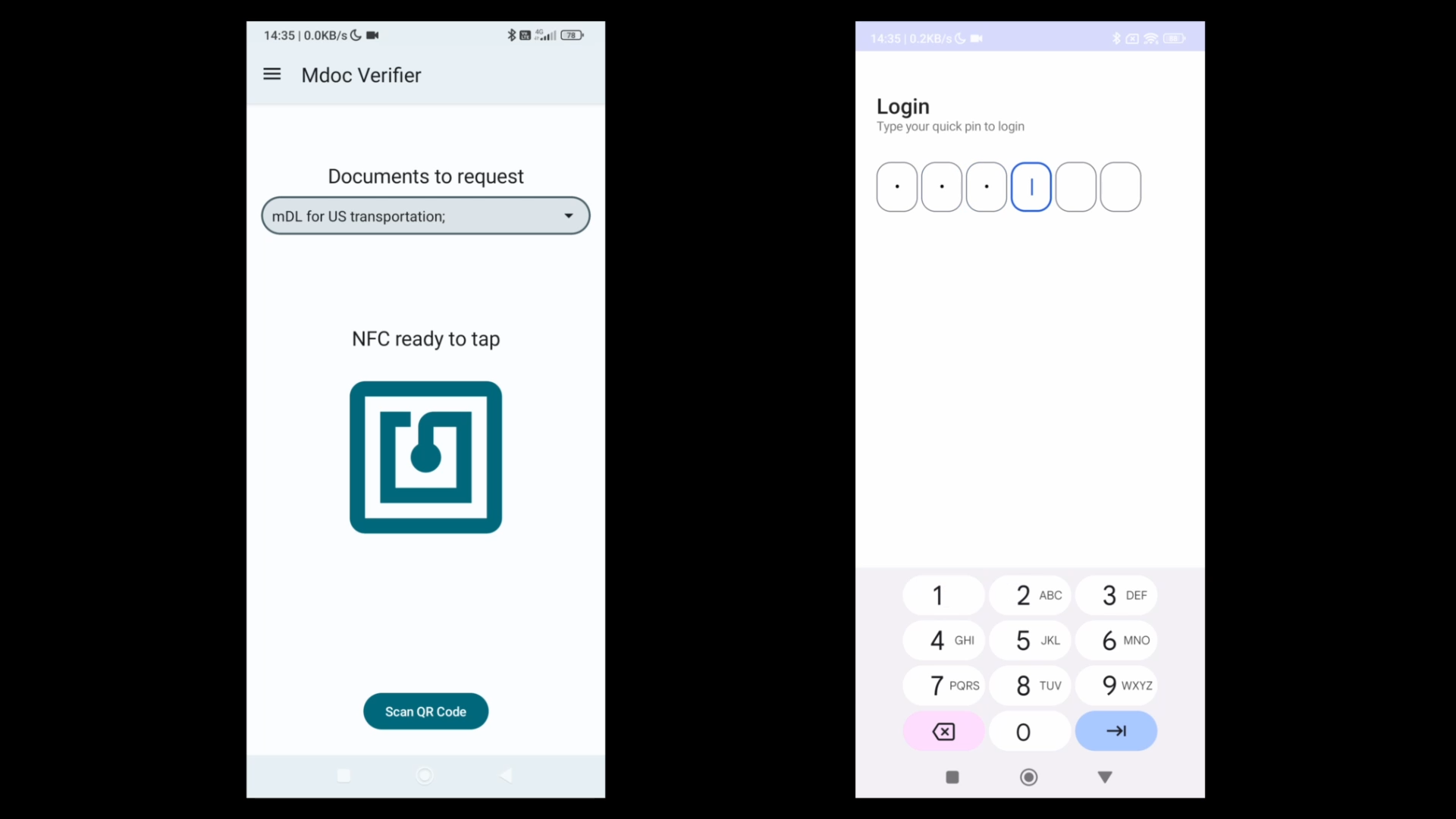
After a successful login, the document selection screen appears.
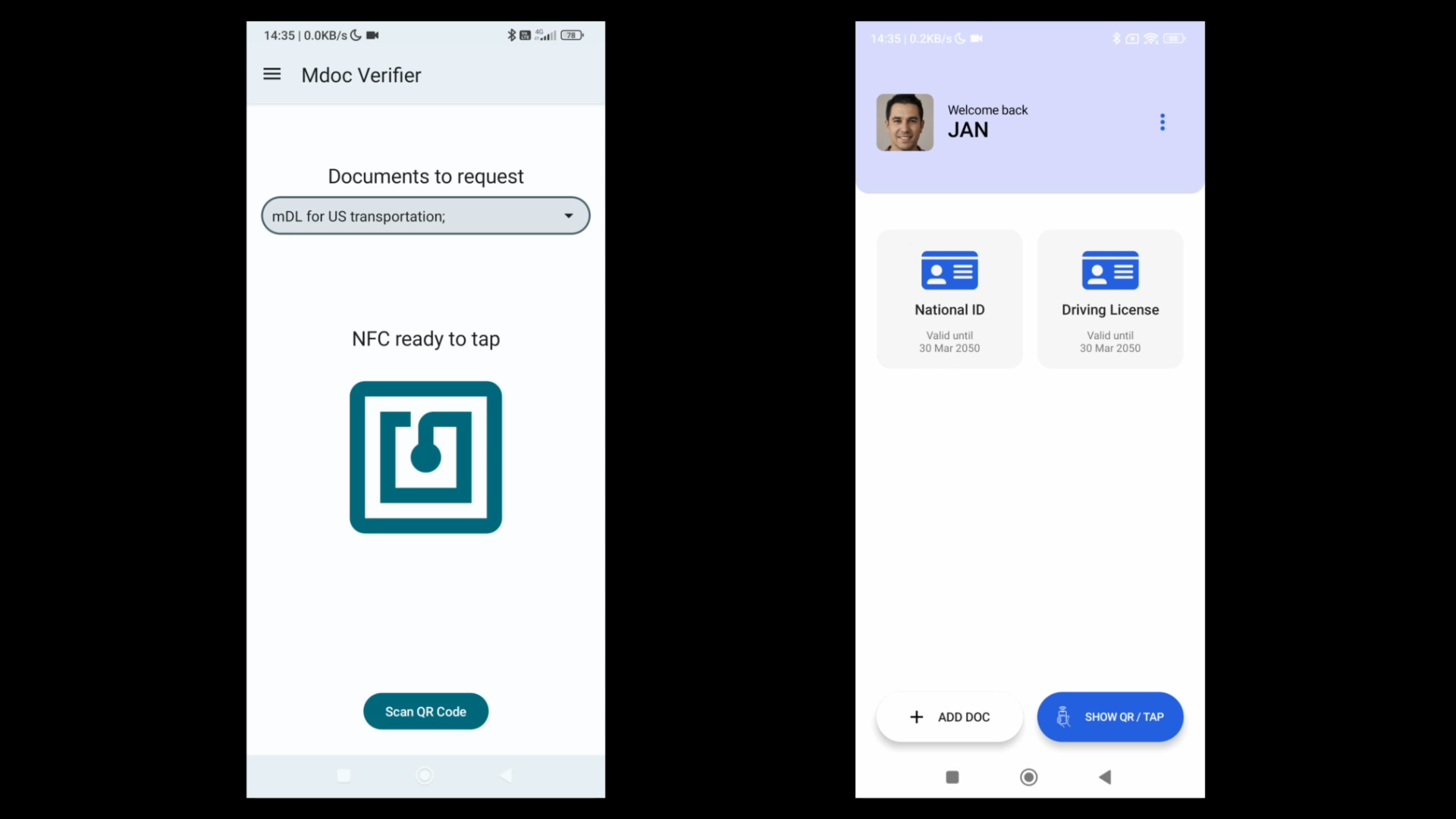
Pressing the “SHOW QR or TAP” button here displays a QR code.
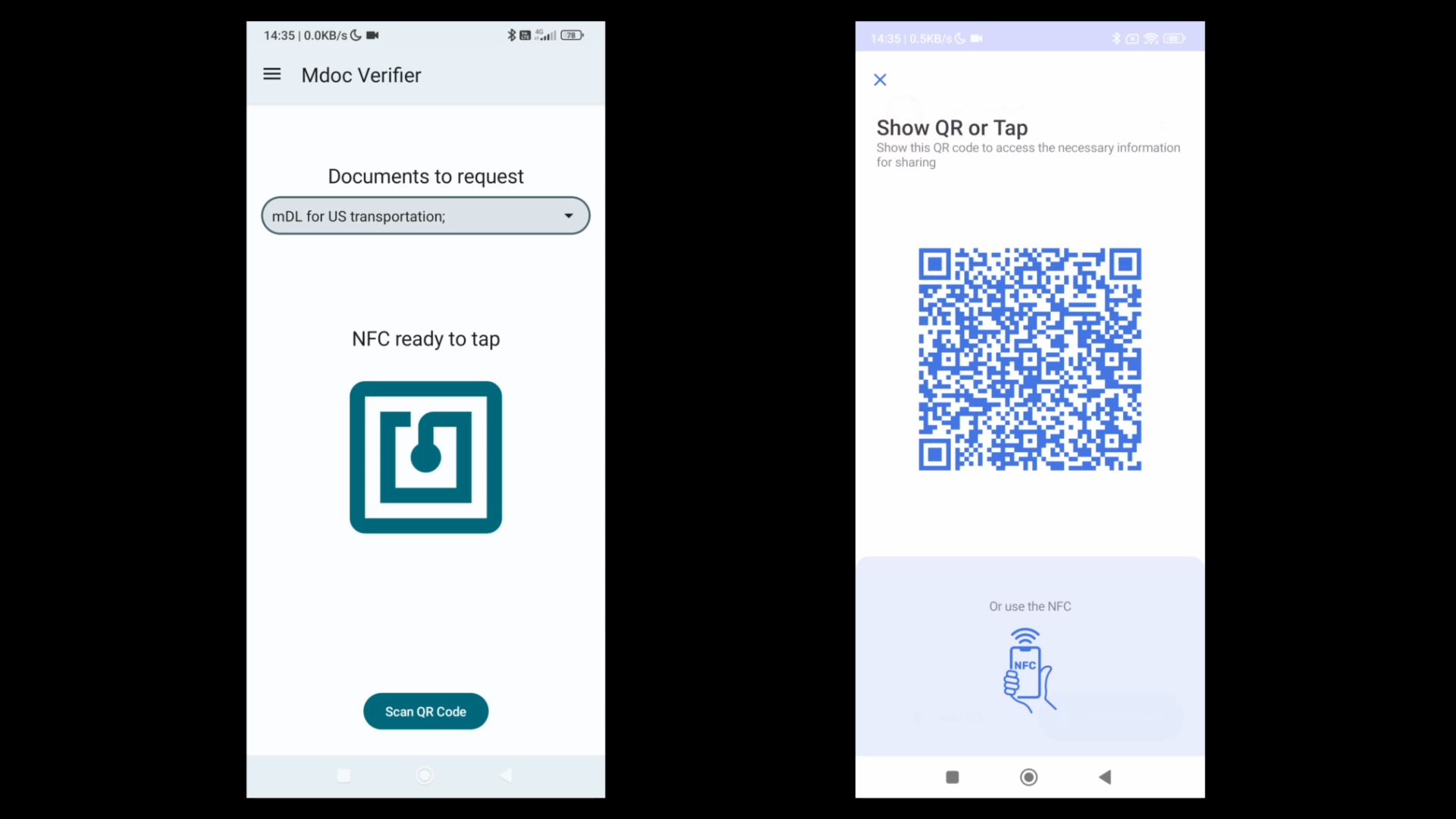
Next comes the work on the Verifier side. Press the “Scan QR code” button, launch the camera, and scan the QR code.
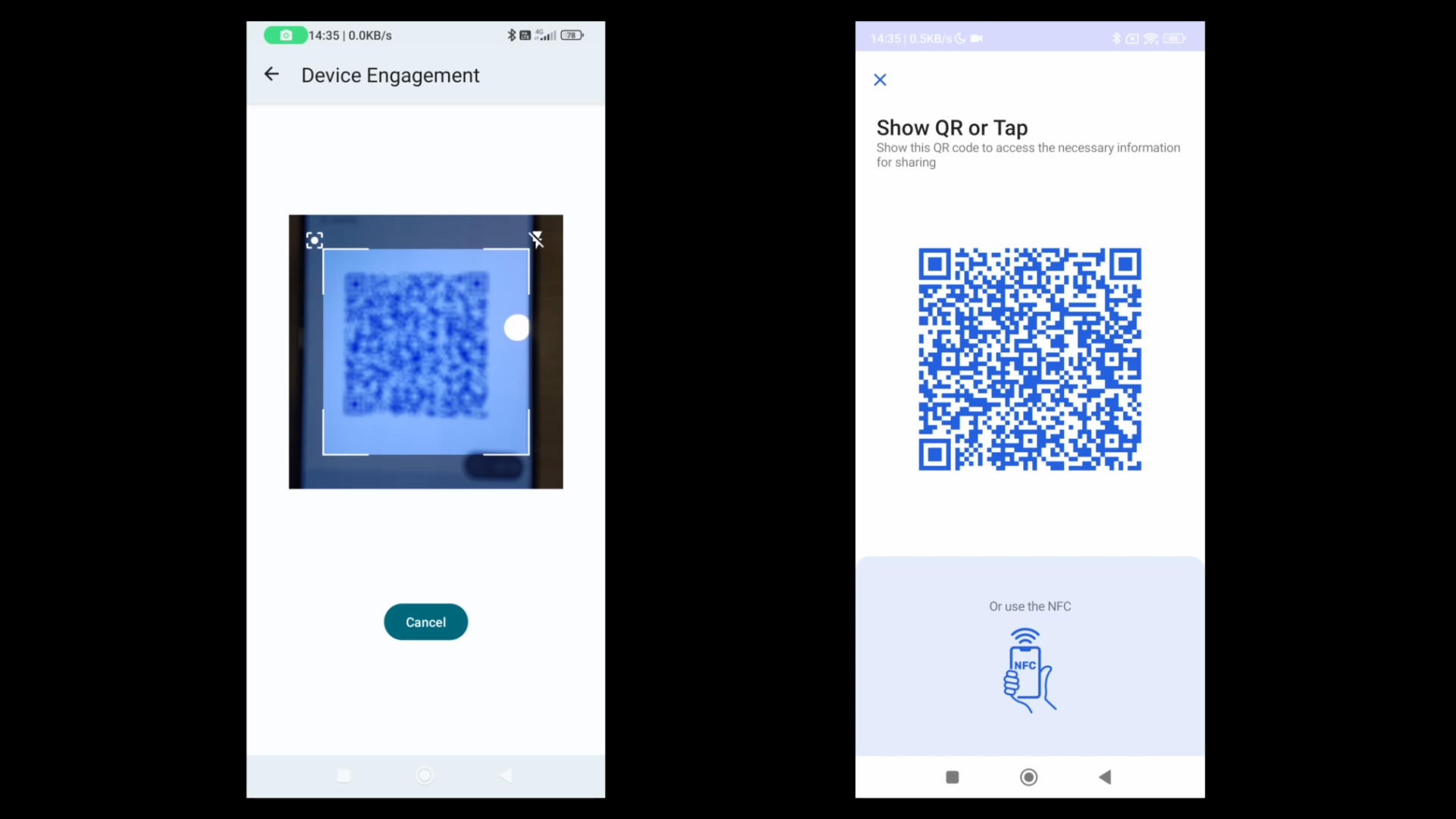
The remainder of the flow is almost the same as for the remote presentation described above.
If everything goes well, the attributes that were provided are displayed on the Verifier screen on the left.
A Note on the Status of the ARF
I have introduced the EU Digital Identity Wallet Reference Implementation, but there is one point to note. The Reference Implementation page says that “The EUDI Wallet Reference Implementation is built based on the Architecture and Reference Framework (ARF) and aims to showcase a robust and interoperable platform for digital identification, authentication, and electronic signatures based on common standards across the European Union.” However, this ARF has not yet been finalized. The version as of March 7 is uploaded at the linked page as ver. 1.3, but it was made public to solicit broad comments and reportedly was not approved by the eIDAS expert group. Ver. 1.2 was released on March 1, showing that changes are being made at quite a rapid pace. It therefore seems prudent to anticipate the possibility of further changes.
Related posts

Age Verification: The UK Online Safety Act Is Being Toyed With in All Kinds of Ways—Bypassing It With VPNs and Evading Biometrics With Death Stranding
What Is the UK's Online Safety Act? The UK's Online Safety Act formally became law after receiving Royal Assent on October 26, 2023, and came into…
OpenID Summit Tokyo 2026 “Special Edition” Closing Keynote
The tickets apparently sold out instantly, so I had not introduced this event here; however, tomorrow, August 26, I will appear at the OpenID Summit Tokyo…
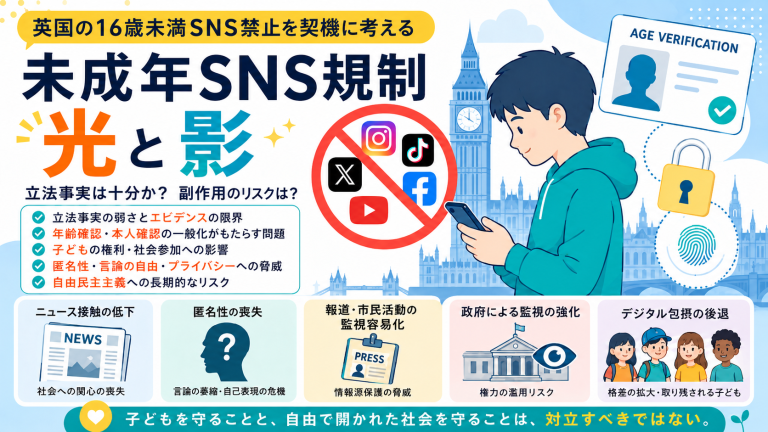
Is This Really a Good Idea? The UK Follows Australia in Moving to Ban Social Media for Children under 16
Prompted by the UK’s ban on social media use by those under 16, this article examines the legislative basis and proportionality of social media regulation intended…
You must be logged in to post a comment.